How to add transitions in DaVinci Resolve
To add a transition in DaVinci Resolve, open the Effects panel on the Edit page, go to Video Transitions and drag one onto the cut between two clips. Both clips need spare frames past the cut. Change its length in the Inspector.
By Victor Grubbe. Updated
This Plugin Changes How I Do Transitions in DaVinci Resolve
How do you add a transition in DaVinci Resolve?
- 1
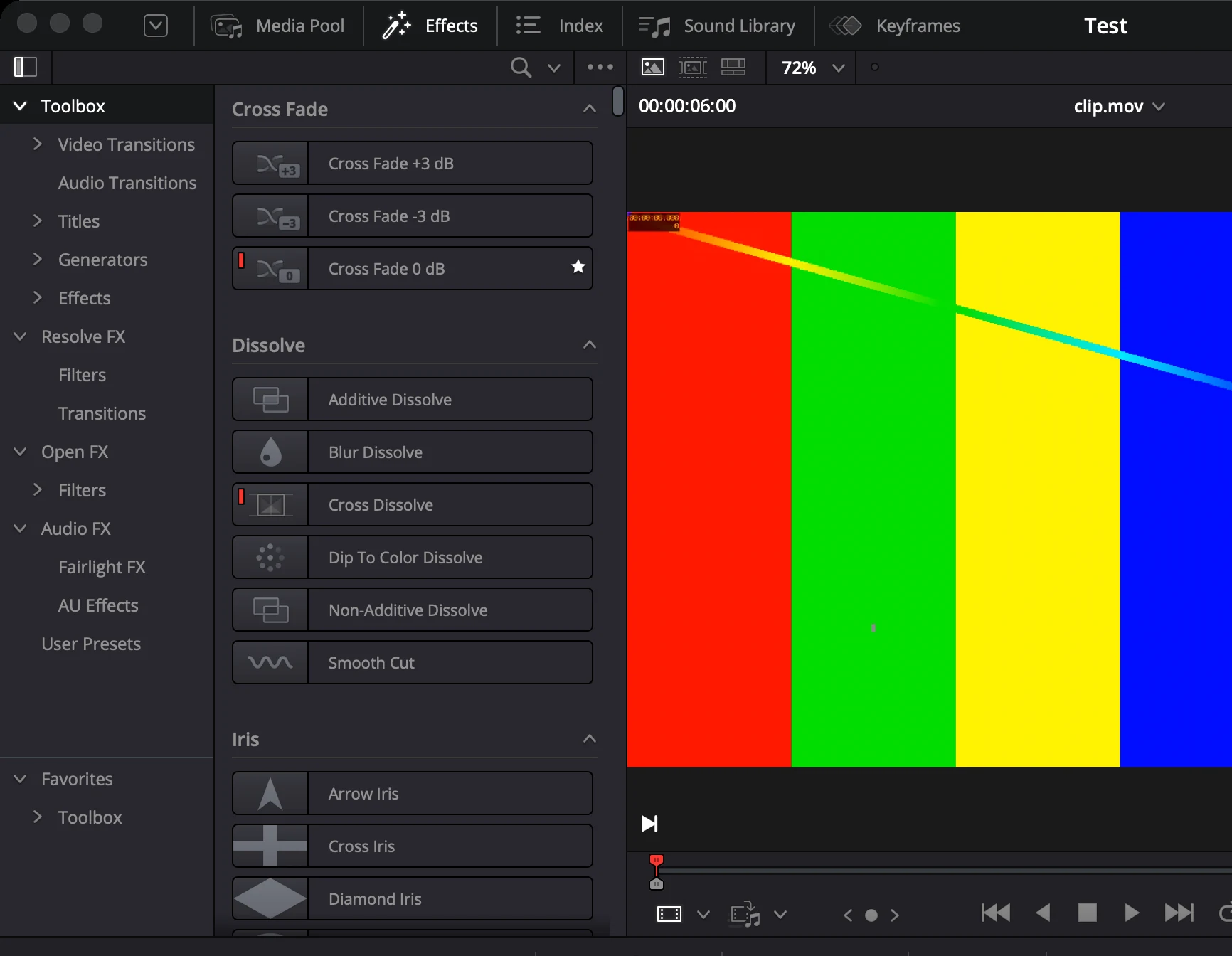
On the Edit page, open the Effects panel and go to Video Transitions.
- 2
Drag a transition, such as Cross Dissolve, onto the cut between two clips.
- 3
Click the transition on the timeline and set its length in the Inspector, or drag its edge.
The shortcut Cmd+T on a Mac, or Ctrl+T on Windows, puts the standard transition on the selected cut.
Why can't you add a transition to a clip?
A transition shows both clips at once, so it needs frames from each clip beyond the cut. If a clip is used right to its first or last frame, there is nothing to blend with and the transition will not go on, or it comes out very short.
Trim a few frames off the end of the first clip and the start of the second, then add the transition again.
How do you build your own transition?
Neo Transition is one transition you build from modules in the Inspector. Six modules move the picture and six reveal the next clip, and you can stack them.
- 1
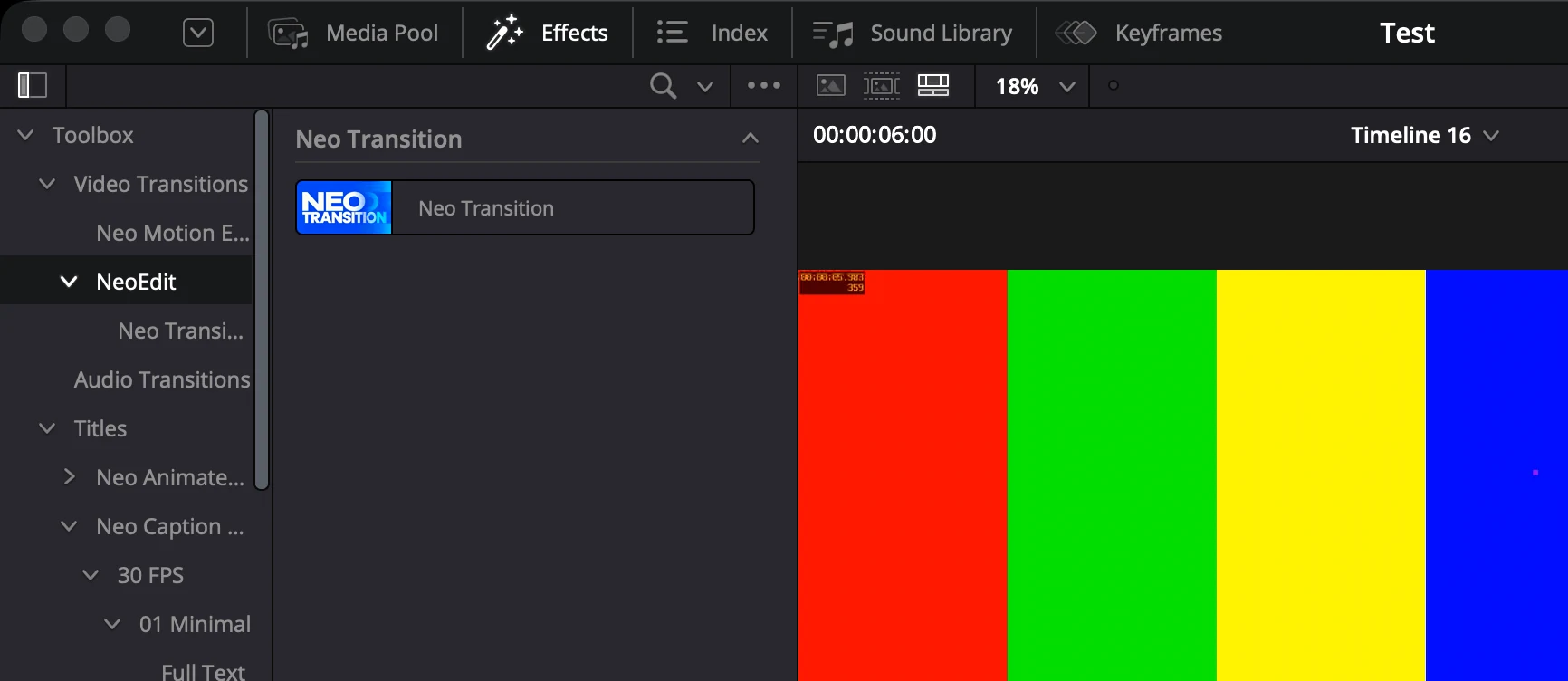
Open the Effects panel, go to Video Transitions and open the NeoEdit folder.
- 2
Drag Neo Transition onto the cut.
- 3
Open its Presets window and start from one of the 26 looks.
- 4
Change one or two modules in the Inspector until it fits the cut.
| Modules that move the picture | Modules that reveal the next clip |
|---|---|
| Scale | Pixel |
| Slide | Shape |
| Rotation | Scanline |
| Shake | Liquid |
| Lens Warp | Flash |
| Blur | Fade |
Which transitions work best for short-form video?
Fast cuts carry most Reels, TikToks and Shorts. Save a transition for a change of scene or topic, and keep it short so the pace holds.
The Motion Essentials Pack has three simple drag-on transitions for that: Neo Shake Transition, Neo Slide Transition and Neo Scale In Transition.
Questions
- Where are the transitions in DaVinci Resolve?
- On the Edit page, in the Effects panel under Video Transitions. The Effects button is at the top left of the page.
- Does Neo Transition work in the free DaVinci Resolve?
- Yes. The Transitions Pack works in both the free DaVinci Resolve and Studio, version 20 and up.
- Do I need keyframes to change a Neo Transition?
- No. You switch modules on and off and set them in the Inspector.