How to highlight text in DaVinci Resolve
DaVinci Resolve has no highlighter tool. The manual way is a Solid Color generator on a track above, cropped to a bar over the words, set to Multiply, with a keyframed crop so it draws on. Neo Highlighter Pro does this as one effect.
By Victor Grubbe. Updated
Motion Essentials 2.0 Tutorial
How do you highlight text by hand in DaVinci Resolve?
- 1
Open the Effects panel, go to Generators and drag Solid Color onto a track above the clip with the text.
- 2
In the Inspector, set its color, for example yellow.
- 3
Under Cropping, crop the top, bottom and sides until the color is a bar that covers the words.
- 4
Under Composite, set Composite Mode to Multiply so the text shows through the color.
- 5
To make it draw on: set a keyframe on Crop Right with the bar cropped away, move a few frames on, and bring Crop Right back so the bar grows in from the left.
This works best on a light page, like an article or a document. Each new highlight is a new generator with its own crop and keyframes.
How do you add an animated highlighter effect?
Neo Highlighter Pro is an animated highlight that draws itself over text. It is part of the Motion Essentials Pack.
- 1
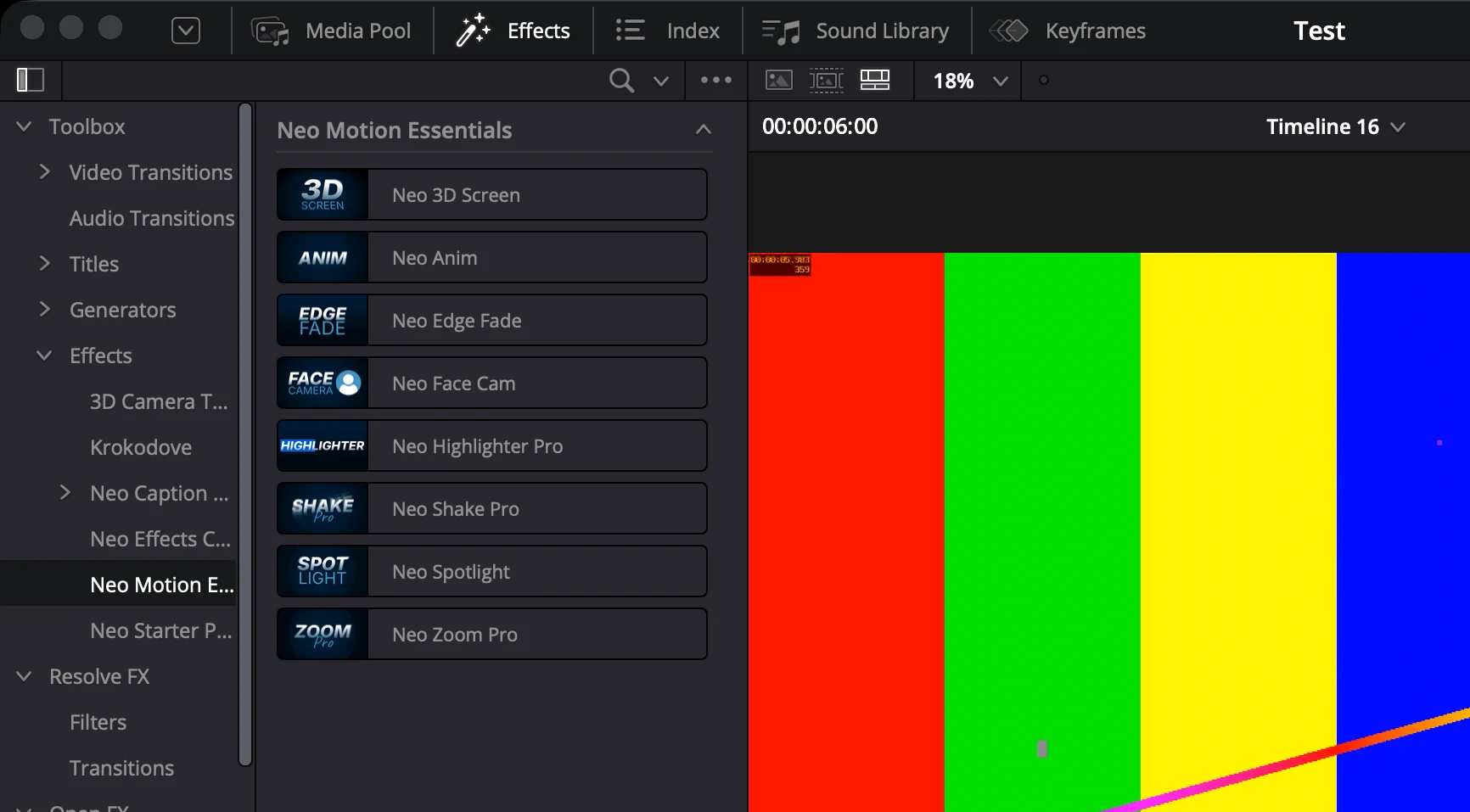
Open the Effects panel, go to Effects and open the Neo Motion Essentials folder.
- 2
Drag Neo Highlighter Pro onto the clip with the text. It is also in Generators, for a track above.
- 3
Pick Marker, Underline or Oval.
- 4
Draw it over the words in the viewer. It takes up to six lines.
- 5
Set the color and the timing in the Inspector.
What highlight styles are there?
| Style | What it looks like | Use it for |
|---|---|---|
| Marker | A stroke of color over the words, like a highlighter pen | A sentence in an article or a report |
| Underline | A line drawn under the words | A name, a number or a date |
| Oval | A ring drawn around the words | One word or figure that the viewer must not miss |
Each style can have texture, recolor the text under it, and carry a drop shadow.
Questions
- Is there a built-in highlighter in DaVinci Resolve?
- No. DaVinci Resolve has no highlighter tool. You build one from a Solid Color generator, or use a plugin such as Neo Highlighter Pro.
- Where do I get Neo Highlighter Pro?
- It is part of the Motion Essentials Pack, which is also in the Full Stack Bundle.
- Does it work in the free DaVinci Resolve?
- Yes. The Motion Essentials Pack works in both the free DaVinci Resolve and Studio, version 20 and up.