
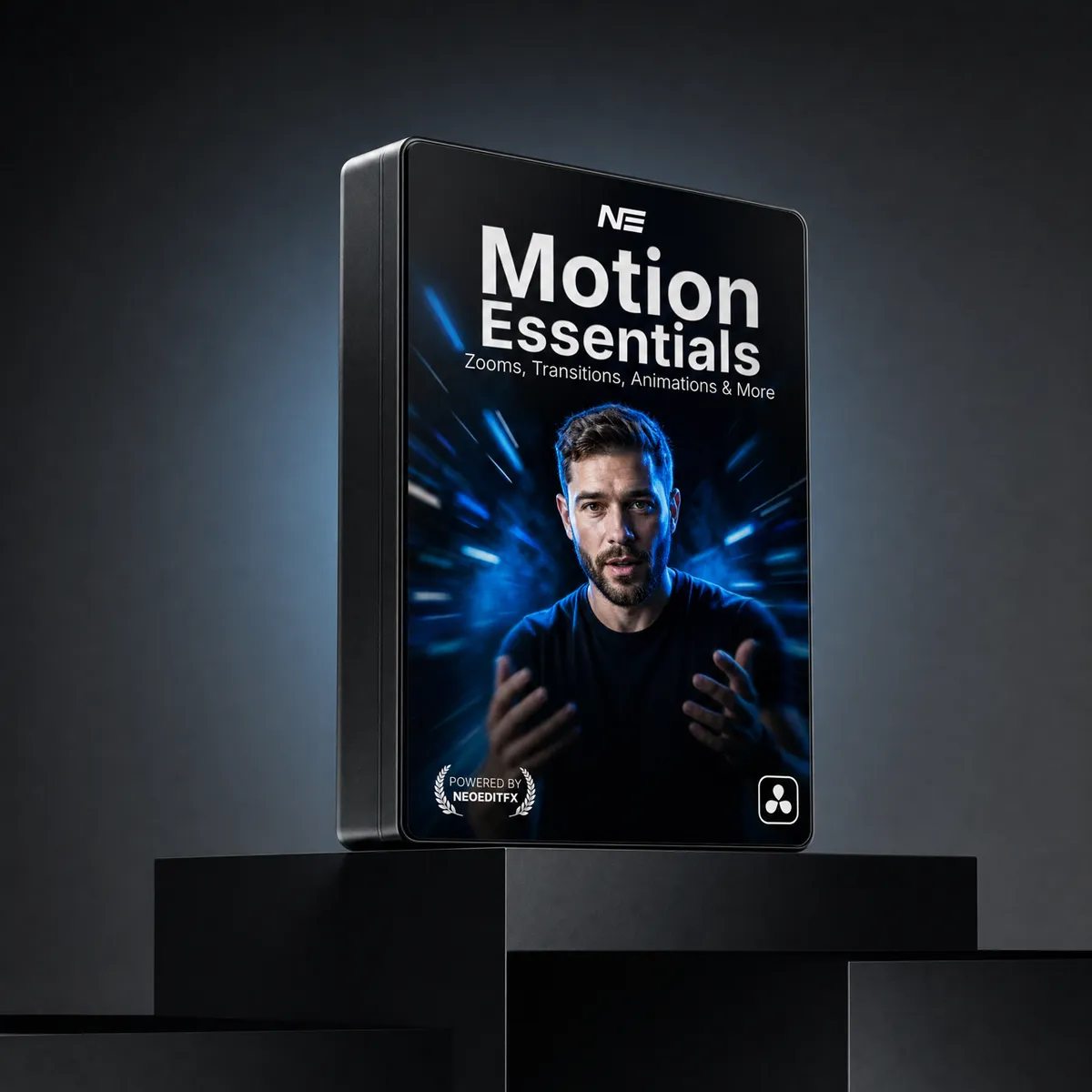
Motion Essentials Pack
- 8 motion plugins and 3 transitions, right on the Edit page
- Zero keyframes. Drop it on a clip and it animates itself
- Zoom, animate, shake, spotlight and 3D-tilt anything in a few clicks
- Real motion blur and easing you can draw, on every move
- Neo Highlighter Pro included as a bonus
Instant download. One-time payment, no subscription. Works in Free and Studio.
Or get every pack for $149.00 and save 48%.
Zero keyframes. Ever.
Drag a plugin onto your clip and it animates itself. No Fusion graph, no keyframe juggling.
Animate anything in seconds.
Drop Neo Anim on a logo, a title or a clip. Pick one of 12 presets and it moves. Tweak anything, then save it as your own look.
8 modules. One smooth move.
Position, Fade, Scale, Rotation, Blur, Wipe, 3D Flip and Flicker. Switch on the ones you want and they play as one move.
- Multi Anim
- Up to four stops along a path. Still no keyframes.
- Continuous
- Zoom, shake or blink while it sits on screen.
- Styling
- Round corners, outline, shine, glow and shadow.
- Motion Feel
- Squash & stretch, impact, trails and stop motion.
One pack for every move in your edit.
Real clips, made in DaVinci Resolve with the pack.
Neo Zoom Pro
Punch in on what matters. Smooth zooms to any point, in and out, or one slow push across the whole clip.
- Set a Start and an End, the zoom does the rest
- Chain zooms across a clip: cut it, click Continue From Previous
- 3D Tilt, plus blur, shake and RGB split that follow the speed of the zoom
- The edges never show: Mirror, Extend or Blur Fill
Neo 3D Screen
Turn a screen recording into a launch video. Your clip becomes a screen in 3D space and the camera moves in.
- Start and End for position, scale and rotation
- Depth of field, pixels, RGB split and vignette for a real screen look
- A slow float keeps it alive while it sits on screen
- Made for tutorials, app demos and website showcases
Neo Spotlight
Show the viewer exactly where to look. One part of the frame lights up, the rest dims, blurs or fades to gray.
- Rectangle or circle, with corner radius, softness and zoom
- Comes in with Grow, Iris or Fade
- An outline and a soft shadow around the spot
- Move the spot across the clip with Continue From Previous
Neo Face Cam
Put your face in the corner in one drag. Your camera clip shrinks into a window and glides where you want it.
- Circle, rectangle or square window
- Starts full frame and moves to any corner with Position Presets
- Face, Zoom and Headroom keep you framed
- Outline and drop shadow built in
Neo Shake Pro
Hit harder on the beat. Camera shake that lands exactly where the music does.
- 13 ready-made shakes and one Overall Strength slider
- Add hits at the playhead, or straight from your markers
- Hit presets: Light Hit, Punch, Impact, Explosion and Beat
- Auto Crop, so the edges never show
Neo Edge Fade
Captions that read on any shot. A soft fade or blur along one edge keeps your text clean.
- Fade to a color, or blur toward the edge
- Size, Soft Edge and Tint
- Bottom, top, left or right
Neo Highlighter Pro
BonusHighlight words like a marker on paper. It draws itself on and off, no masks, no keyframes.
- Marker, underline or oval
- Up to six lines, one after another
- Text Recolor, felt texture and a drop shadow
Plus 3 drag-on transitions.
Drop one on the cut and you are done. Each also comes as a Transition Layer under Generators.
Neo Shake
A shake that carries one clip into the next.
Neo Slide
A clean slide from one clip to the next.
Neo Scale In
A smooth scale from one clip into the next.
Everything you get
Motion plugins
Six also work as generators over everything below them.
Transitions
Shake, Slide and Scale In. Drop one on the cut.
Neo Anim presets
Save your own and share them as a code.
Free updates
Every new version, free, for life.
Don't take our word for it
“Great text presets! I also received excellent support and tutorials from the creator. Highly recommended experience.”
“Made my work 2x faster! NeoAnim is insane!”
“This is one of the best plugin for Davinci Resolve I have use”
“Amazing pack, I use them a lot”
“Exactly whatv i was looking for. Perfect for Talking-Head Videos. I'm excited for incoming updates”
Bought this pack? We'd love to hear from you.
You may also like
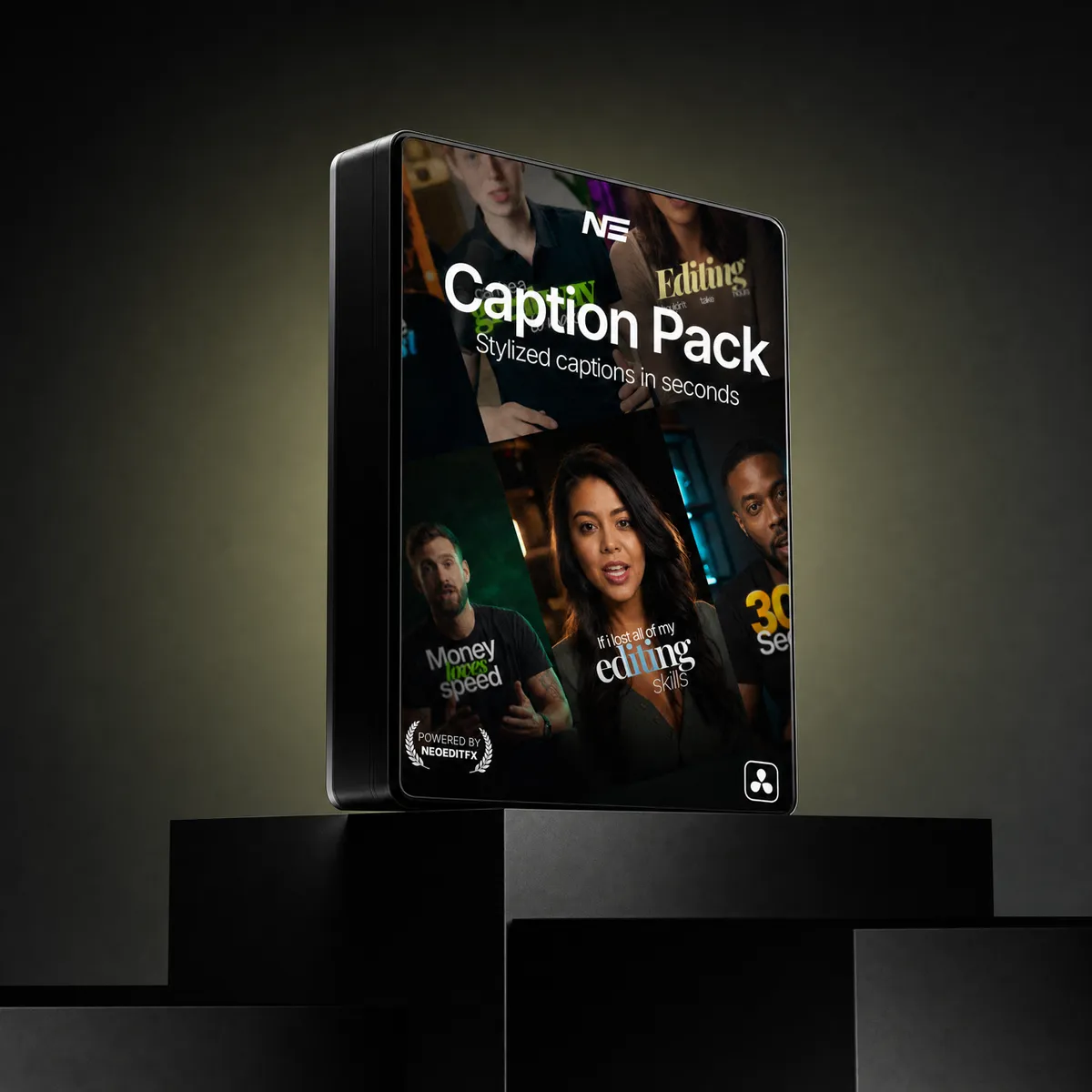
Compare the packs
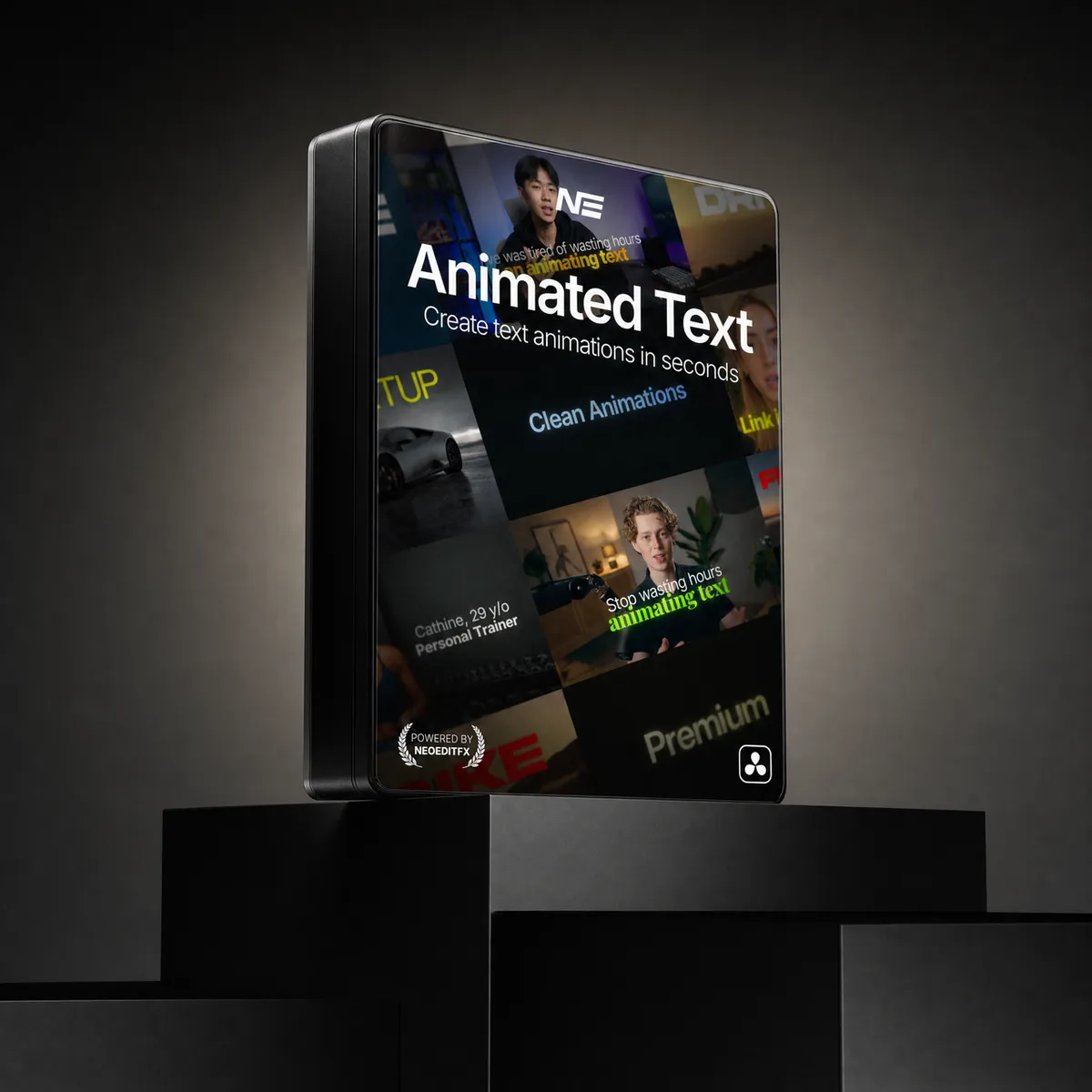
Text animation
Captions
Effects: glow, shatter, chroma
Motion: zoom, animation, shake, transitions
Transitions: over 250 million combinations
Full Stack Bundle
Everything above, plus every future pack and lifetime updates
| What you get | Animated Text$59.00 | Caption Creator$49.00 | Effects Core$49.00 | Motion Essentials$59.00 | Transitions$39.00 | Best valueFull Stack Bundle$149.00 $284.00 |
|---|---|---|---|---|---|---|
| Text animation | Included | Not included | Not included | Not included | Not included | Included |
| Captions | Not included | Included | Not included | Not included | Not included | Included |
| Effects (glow, shatter, chroma) | Not included | Not included | Included | Not included | Not included | Included |
| Motion (zoom, animation, shake, transitions) | Not included | Not included | Not included | Included | Not included | Included |
| Highlight marker | Not included | Not included | Not included | Included | Not included | Included |
| Stackable transitions (over 250 million combinations) | Not included | Not included | Not included | Not included | Included | Included |
| All future packs | Not included | Not included | Not included | Not included | Not included | Included |
| Lifetime updates | Included | Included | Included | Included | Included | Included |
| Price | $59.00 | $49.00 | $49.00 | $59.00 | $39.00 | $149.00 $284.00 |
Get every pack here, plus every pack we release next, in one purchase. Save 48% over buying them one by one.
Get the Full Stack BundleQuick answers
Yes. Every NeoEditFX pack works in both the free and Studio editions of DaVinci Resolve. No Studio license required.
No. Every purchase is a one-time payment. You own what you buy, with no recurring fees and no expiring licenses.
Yes. Every pack comes with a commercial license. Use it on personal projects, client work, and YouTube videos.
Each pack includes a step-by-step guide. Drag the files into your DaVinci Resolve folder, restart Resolve, and you are ready. Most editors are up and running in under two minutes.
These are instant digital downloads, so we do not offer refunds. But if something is not working, reach out and we will help you troubleshoot and get full value from your purchase.
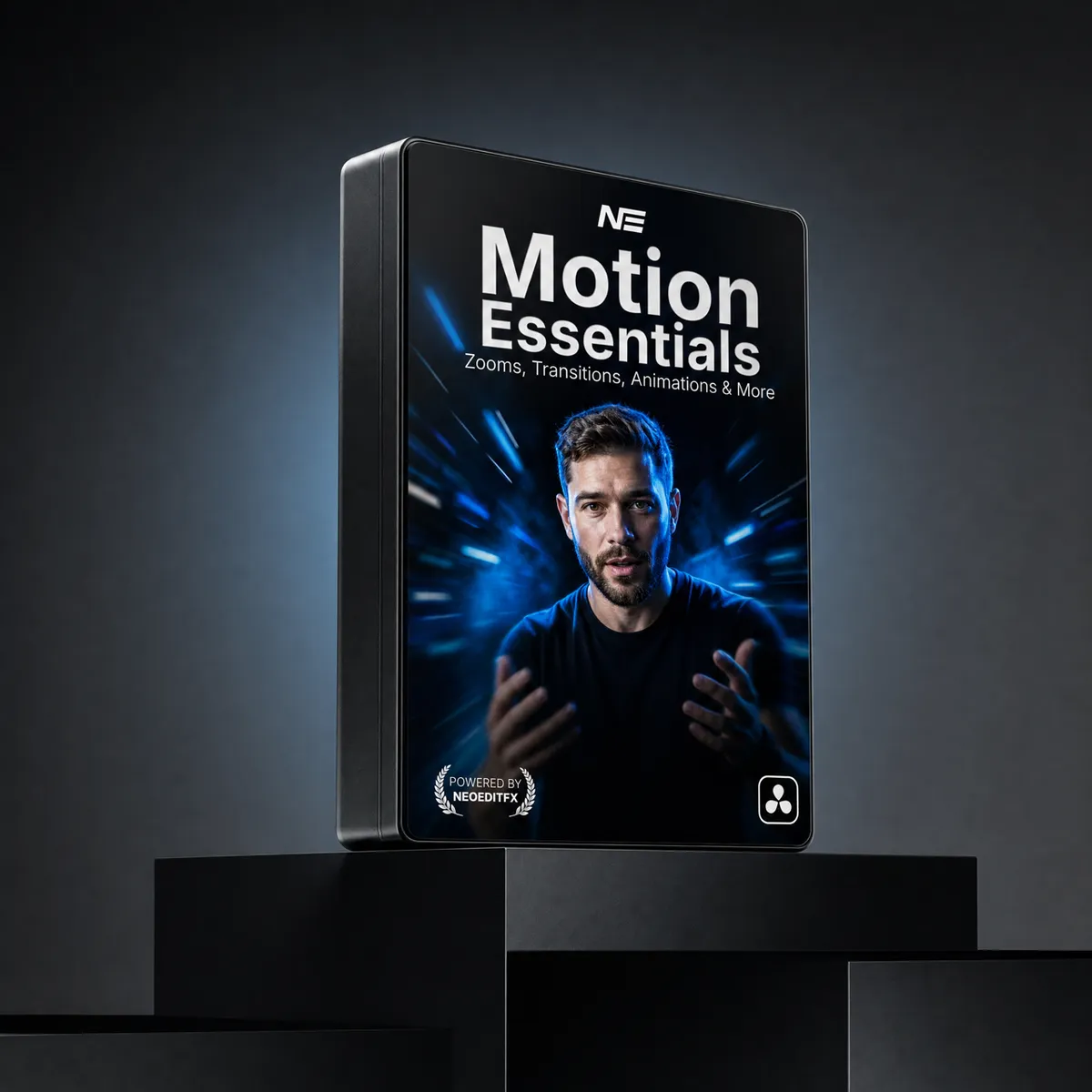
Motion Essentials Pack
$59.00