How to animate text in DaVinci Resolve
To animate text in DaVinci Resolve, drag a Text+ title onto the timeline and set keyframes on its size or position in the Inspector. For letter by letter animation, add the Follower modifier. To skip keyframes, use a title that animates itself, like Neo TextMotion.
By Victor Grubbe. Updated
Animated Text Pack Tutorial
How do you animate text with keyframes in DaVinci Resolve?
- 1
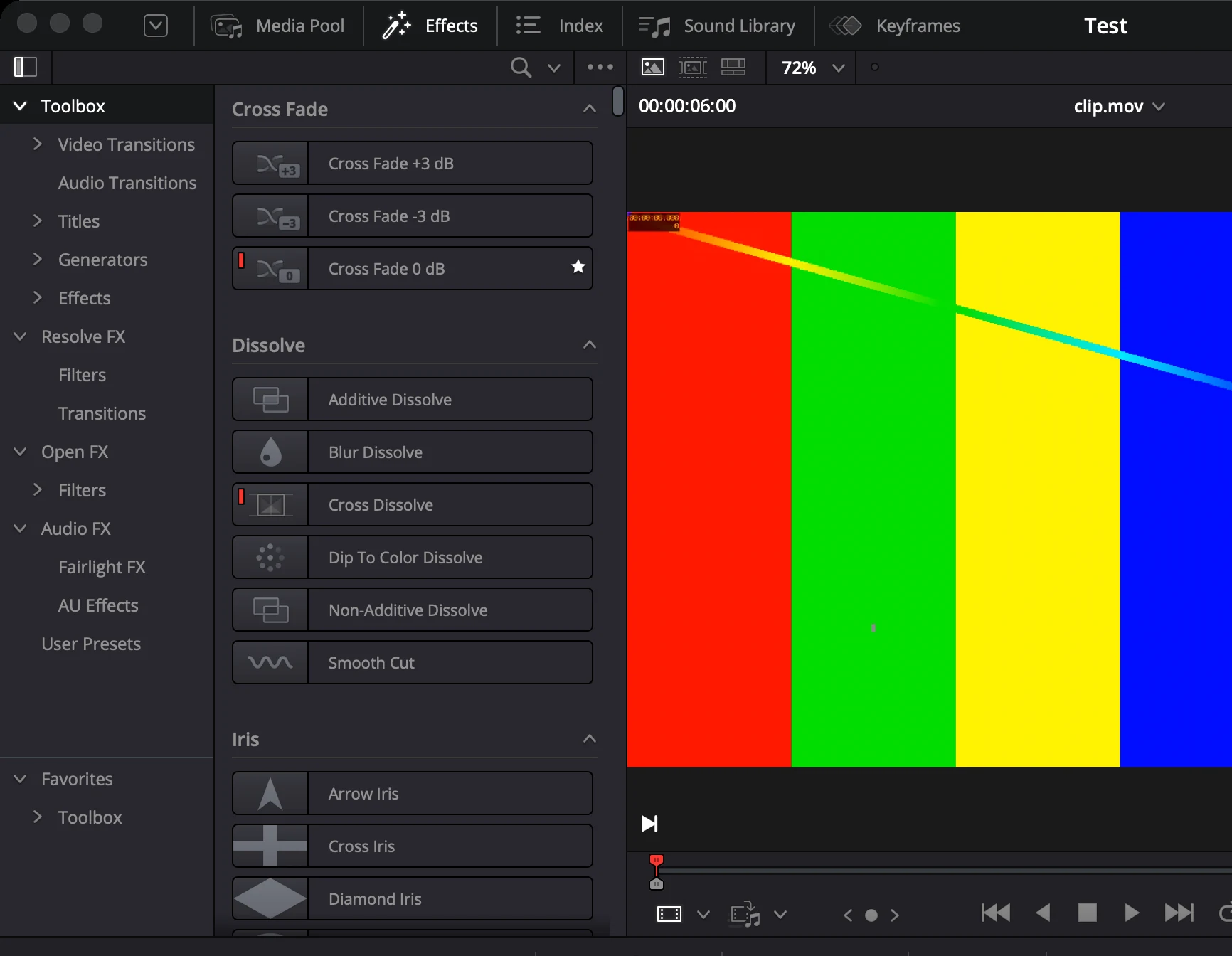
On the Edit page, open the Effects panel and go to Titles.
- 2
Drag Text+ onto a track above your clip and type your text in the Inspector.
- 3
Put the playhead where the animation should start. Click the keyframe diamond next to a control, such as Size.
- 4
Move the playhead a few frames on and change the value. DaVinci Resolve adds the second keyframe and animates between the two.
This moves the whole title as one piece. It is fine for a fade or a slide, and it takes a new set of keyframes every time you want a different move.
How do you animate text letter by letter?
Text+ has a modifier called Follower. It runs the same animation on each character, one after the other.
- 1
Select the Text+ title and open the Inspector.
- 2
Right-click inside the text box and pick Follower.
- 3
Open the Modifiers tab. Under Timing, set Delay so each character starts a little after the one before.
- 4
Keyframe a control in the Follower, such as opacity or size. Every character now plays that animation in turn.
It works well once it is set up. Changing the look later means going back into the modifier and its keyframes.
How do you animate text without keyframes?
Neo TextMotion is one title where you pick how the words move in the Inspector. Nothing is keyframed, so you can change the animation at any time.
- 1
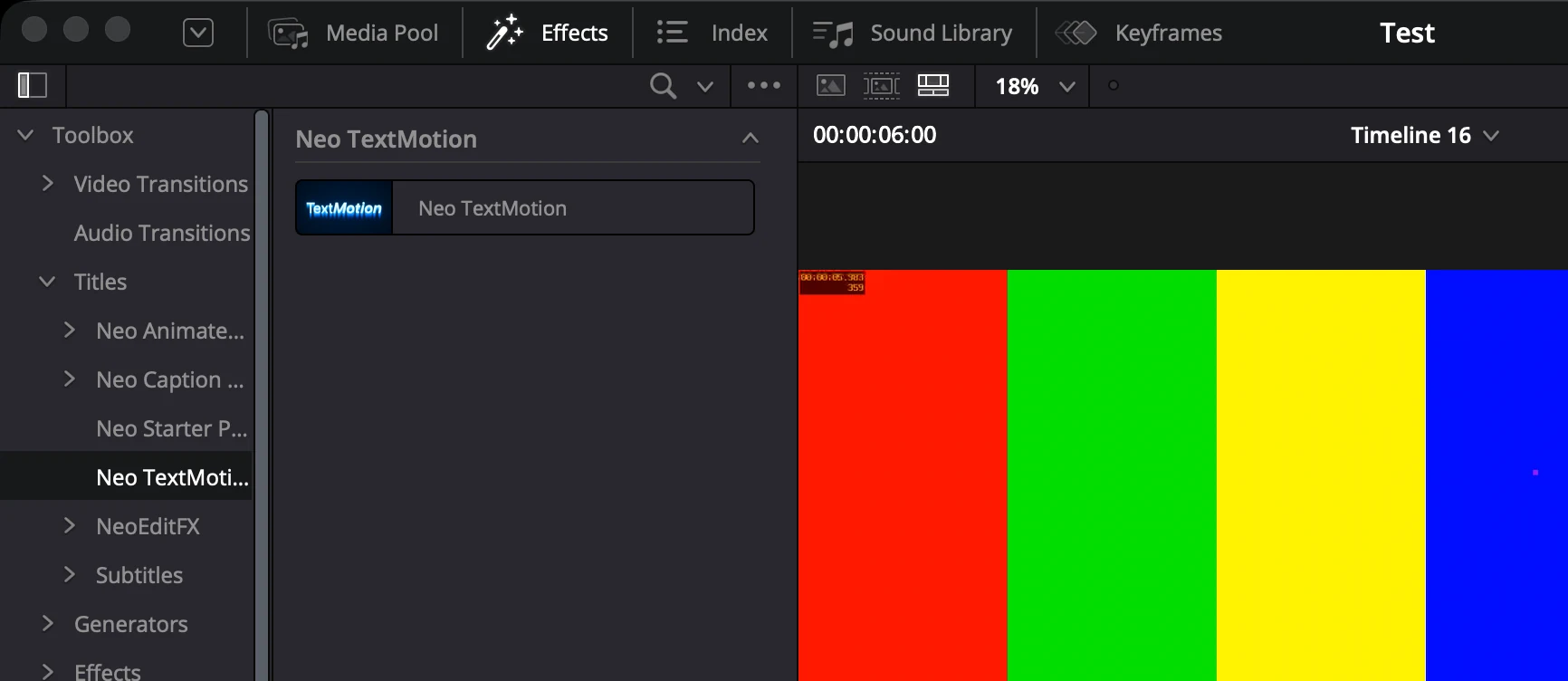
Open the Effects panel, go to Titles and open the Neo TextMotion folder.
- 2
Drag Neo TextMotion onto a track above your clip and type your text.
- 3
Open its Presets window and pick one of the 57 presets, or build your own from the 14 animation modules on the Animation page.
- 4
Set Animate By: Letter for a typewriter feel, Word for captions and hooks, All for a calm entrance.
- 5
Change the color, font and size. Glow, Drop Shadow, Outline and Background are switches on the Styling page.
Which way should you use?
| Way | Keyframes | By letter or word | Change it later |
|---|---|---|---|
| Text+ with keyframes | Yes, by hand | No, the whole title moves | Redo the keyframes |
| Text+ with Follower | Yes, inside the modifier | Yes | Edit the modifier |
| Neo TextMotion | No | Letter, word, line or all | Pick another preset or switch |
Is there a free way to get animated text in DaVinci Resolve?
Yes. Text+ and the Follower modifier are part of DaVinci Resolve, also in the free version. Neo TextMotion Lite is the free, simple version of Neo TextMotion: slide, scale and fade by letter, word or all. It is in the free Starter Pack.
Questions
- Does animated text work in the free DaVinci Resolve?
- Yes. Text+ titles, keyframes and the Follower modifier are in the free DaVinci Resolve. Neo TextMotion works in both the free DaVinci Resolve and Studio, version 20 and up.
- Do I need the Fusion page to animate text?
- No. Text+ can be keyframed from the Inspector on the Edit page, and Neo TextMotion is set entirely in the Inspector.
- Can I animate text word by word?
- Yes. In Neo TextMotion set Animate By to Word. Delay Between is the gap in frames between one word and the next.