
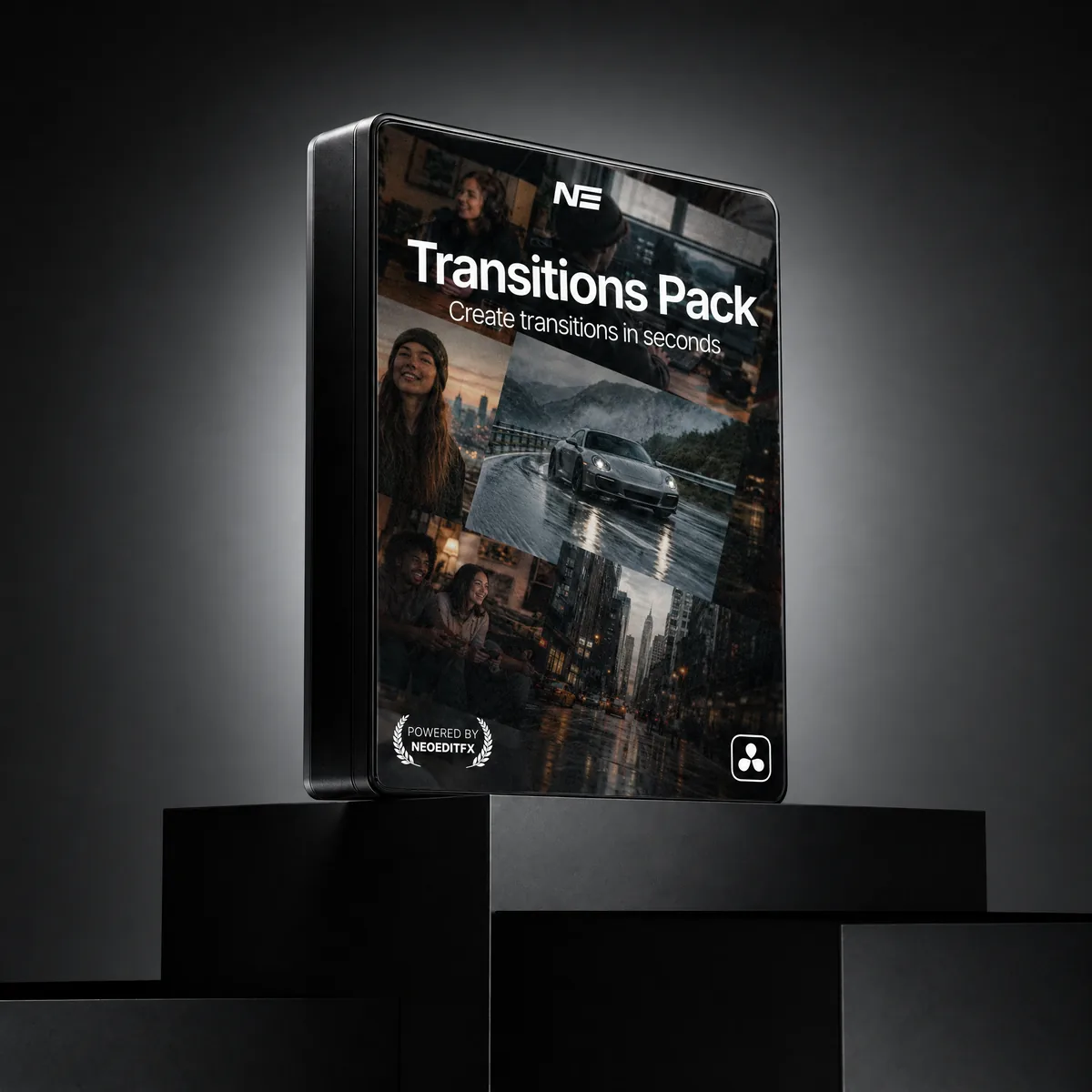
Transitions Pack
- Neo Transition: one transition, over 250 million combinations
- Stack motion and reveal modules. Scale, slide, blur, pixel, liquid and more
- 26 built-in presets, plus a Presets window to save your own
- No keyframes. Drop it on a cut, switch modules on, done
- Edit page native. DaVinci Resolve 20+, Free and Studio
Instant download. One-time payment, no subscription. Works in Free and Studio.
Or get every pack for $149.00 and save 48%. The Transitions Pack is included.
Meet Neo Transition
One transition for the Edit page. Drop it on a cut, switch on the modules you want, and they stack into one move.
transition combinations. One plugin.
Every motion module, reveal and easing curve, multiplied together.
7 motion modules
Scale, Slide, Rotation, Shake, Lens Warp, Blur and Flash. Each one off or on, most with a direction or type.
4 reveals, plus Fade
Pixel, Shape, Scanline and Liquid, each with its own orders and directions. Fade counts when no reveal is on.
Easing
5 curves, from soft to ultra.
Only the switches are counted: which modules run, which direction or type, which curve. Sliders, angles and colors aren't counted.
Switch them on. They stack.
Every module is an On/Off switch in the inspector. Turn on one for a clean cut, or three for something loud.
Motion
How the shots move through the cut.Scale
Zoom through the cut, in or out.
Slide
Push the next shot in from any side.
Rotation
Spin through the cut.
Shake
A camera shake right on the cut.
Lens Warp
Bend the frame like a wide lens.
Blur
Four blur types, including Bokeh.
Flash
A color or exposure flash.
Reveals
How the next shot shows up.Pixel
The next shot builds up in pixels.
Shape
Line, circle or rectangle wipes.
Scanline
Scanlines, a scanner or a signal glitch.
Liquid
A liquid reveal between the shots.
On top of that: Motion Blur, Zoom To Crop, and 5 easing curves for the whole move.
Start from a look, make it yours.
Click Presets on the transition and the library opens in its own window. Pick a look, apply it, and change anything you like. Found a good one? Save it.
- 26 built-in looks to start from
- Apply keeps your transition's length
- Save your own and share them as a short code
- The same window as Neo TextMotion, on Mac, Windows and Linux
The 26 built-in looks.
Everything you get
Neo Transition
One transition. Over 250 million combinations, zero keyframes.
Stackable modules
7 motion, 4 reveals and Fade. Motion Blur and Zoom To Crop on top.
Built-in presets
In a Presets window, next to the ones you save yourself.

You may also like

Compare the packs
Animated Text
Text animation
Caption Creator
Captions
Effects Core
Effects: glow, shatter, chroma
Motion Essentials
Motion: zoom, shake, transitions
Highlighter Pro
Highlight marker
Transitions
Transitions: over 250 million combinations
Full Stack Bundle
Everything above, plus every future pack and lifetime updates
| What you get | Animated Text$59.00 | Caption Creator$49.00 | Effects Core$49.00 | Motion Essentials$59.00 | Highlighter Pro$29.00 | Transitions$39.00 | Best valueFull Stack Bundle$149.00 $284.00 |
|---|---|---|---|---|---|---|---|
| Text animation | Included | Not included | Not included | Not included | Not included | Not included | Included |
| Captions | Not included | Included | Not included | Not included | Not included | Not included | Included |
| Effects (glow, shatter, chroma) | Not included | Not included | Included | Not included | Not included | Not included | Included |
| Motion (zoom, shake, transitions) | Not included | Not included | Not included | Included | Not included | Not included | Included |
| Highlight marker | Not included | Not included | Not included | Not included | Included | Not included | Included |
| Stackable transitions (over 250 million combinations) | Not included | Not included | Not included | Not included | Not included | Included | Included |
| All future packs | Not included | Not included | Not included | Not included | Not included | Not included | Included |
| Lifetime updates | Included | Included | Included | Included | Included | Included | Included |
| Price | $59.00 | $49.00 | $49.00 | $59.00 | $29.00 | $39.00 | $149.00 $284.00 |
Get every pack here, plus every pack we release next, in one purchase. Save 48% over buying them one by one.
Get the Full Stack BundleQuick answers
Yes. Every NeoEditFX pack works in both the free and Studio editions of DaVinci Resolve. No Studio license required.
No. Every purchase is a one-time payment. You own what you buy, with no recurring fees and no expiring licenses.
Yes. Every pack comes with a commercial license. Use it on personal projects, client work, and YouTube videos.
Each pack includes a step-by-step guide. Drag the files into your DaVinci Resolve folder, restart Resolve, and you are ready. Most editors are up and running in under two minutes.
These are instant digital downloads, so we do not offer refunds. But if something is not working, reach out and we will help you troubleshoot and get full value from your purchase.
Transitions Pack
$39.00