
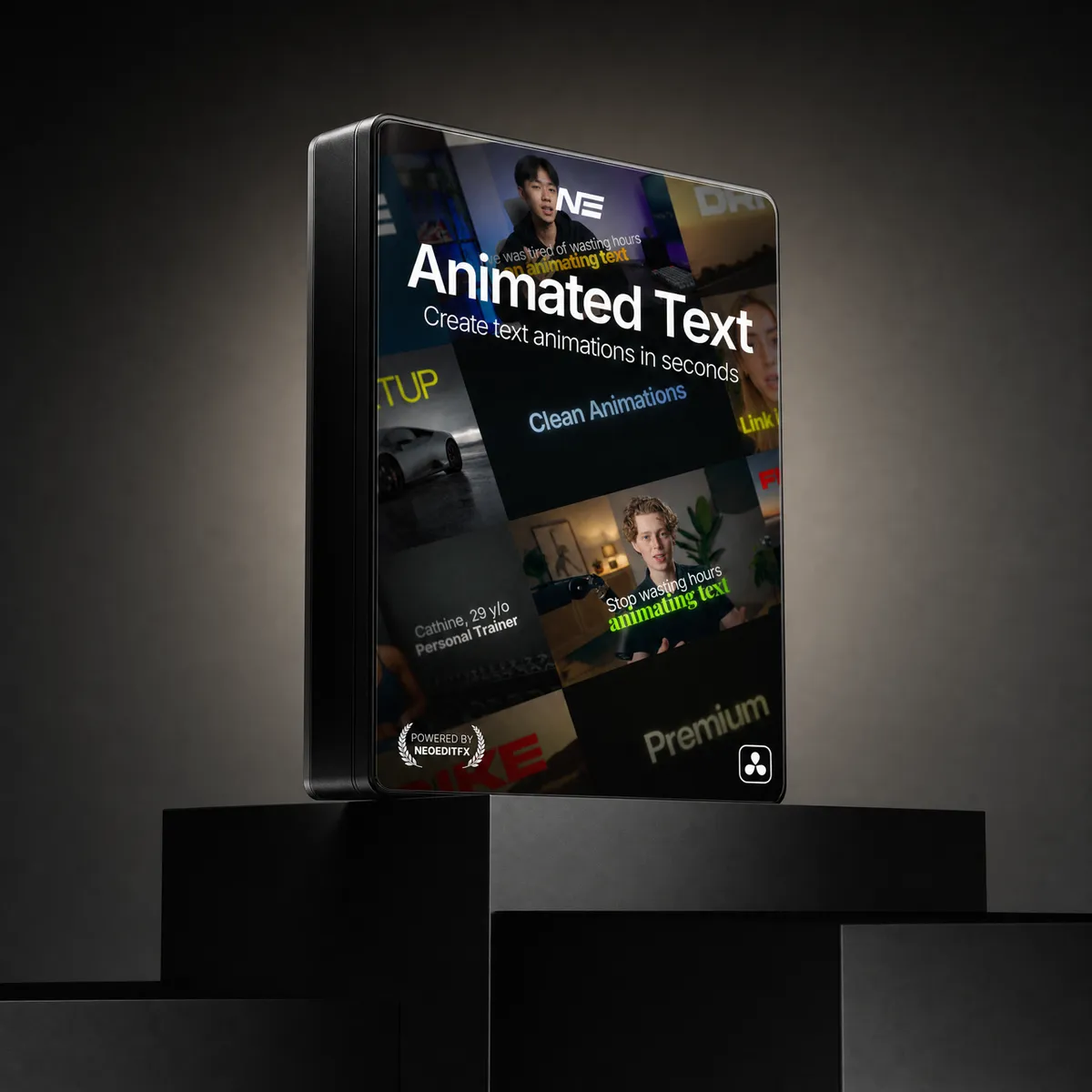
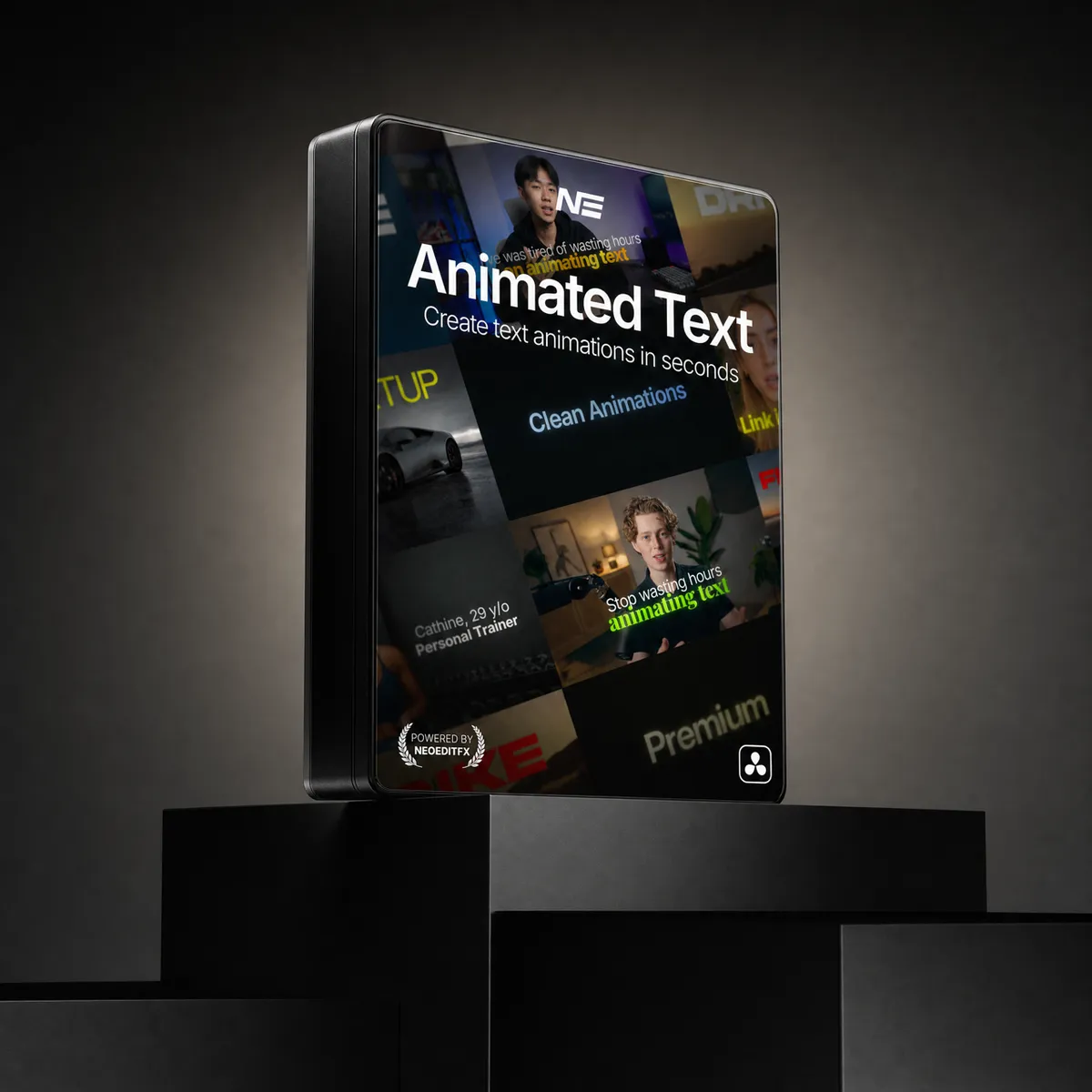
Animated Text Pack
- Neo TextMotion: one plugin, 68 billion animation combinations
- 3D text, Counter mode and reveal animations in the same plugin
- 57 built-in presets, each with a preview, plus your own
- Zero keyframes. Toggle animations, pick easing, done
- 67 classic titles included as a bonus (30 and 60 FPS)
Instant download. One-time payment, no subscription. Works in Free and Studio.
Or get every pack for $129.00 and save 47%.
Meet Neo TextMotion
Keyframing a Text+ by hand in DaVinci Resolve is slow. Neo TextMotion animates any text in seconds, with zero keyframes.
What you can make with it.
SaaS-style titles, captions and intros, straight out of the plugin.
animation combinations. One plugin.
The 14 animation modules, easing curves and text splits, multiplied together. 3D text comes on top.
14 animation modules
Position, Scale, Rotation, Fade, Blur, Letter Spacing, Flicker, Color, Erode, Glow Reveal, Scrambled Text, Split Reveal, Write On and Box Reveal. Each one can run on the in, the out, both, or stay off.
Easing
4 easing curves for the in, 4 for the out.
Text splitting
Animate in by letters, words, lines or the full text. Same choice on the out.
Only the switches are counted: which modules run, which easing, which split. Sliders and offsets aren't counted. With those the number gets silly, but that felt like cheating.
The whole pack in 24 seconds.
What you can make with it and how it works. Sound on.
Your text, in 3D.
Set Mode to 3D Text and the letters get real depth. Same plugin, same animations, with extrusion, bevels and light.
Animated numbers, same plugin.
Switch Mode to Counter and the title counts. Views, prices, percentages, followers. Same animation modules and styling as your text, and you can save counters as presets too.
From and To
Count up or down, anywhere up to a billion either way.
Text before and after
A $, a %, or a word like "views" right next to the number.
Decimals and separators
Pick the decimals and a comma, period or space separator.
Its own easing
The count gets its own curve, apart from the text animation.
57 presets. See them move before you apply.
Click Presets and the library opens in its own window. Double-click one to apply it. The window stays open, so you can try the next one right away.
- Every built-in preset plays a short preview
- Search and filter by Text, Counter or 3D
- Save your own and share them as a short code
- The same window on Mac, Windows and Linux
All 57 built-in presets, as they play in the window.
Animate the full text, or every letter in it.
Split the animation however the edit needs it. Four ways in, four ways out.
Full text
Letter by letter
Word by word
Line by line
Pick a curve, or draw your own.
Four easing styles for the in, four for the out. And a real curve editor when you want the motion exactly your way.
Ease Out: fast start, soft landing
Ease In / Out: smooth both ways
Elastic: overshoot and settle
Custom: draw your own curve
The curve editor. Drag the points and the motion follows.
More than in and out.
Keep the text moving while it's on screen, step it like stop motion, and style every part of it in the same inspector.
Continuous motion
Keeps the text moving the whole time it's on screen, not just on the way in and out.
Stop motion
Stepped, choppy movement for that hand-made stop-motion feel.
Shine
An animated shine across the styled text.
Clean shadows
Soft drop shadows, dialed in from the styling page.
Character-level styling
Style single letters and words, not just the whole text.
Outline
Strokes with adjustable thickness and corner roundness, styled right on the text.
And there's more
Word Sync
Place word cues and each word shows up right when it's said. Stack shows one word at a time.
Text Box and Path
Wrap long text in a box you size in the viewer, or run it along a path you draw.
Horizontal and Vertical
Line the text up left, center or right, and top, center or bottom.
TextMotion was inspired by TypeFlow. Get it here.
Plus 67 ready-made animated titles.
The classic keyframed titles from the old Animated Text Pack, in 30 fps and 60 fps versions. Honestly, you won't need them once you're building your own animations. They're included anyway. All 67 in one run:
Everything you get
Neo TextMotion
One plugin for text, 3D text and animated counters. 68 billion combinations, zero keyframes.
Built-in presets
Each plays a short preview. Save your own right next to them.
Classic animated titles
The original keyframed titles in 30 and 60 FPS. A bonus.
Don't take our word for it
“Absolutely amazing and easy to use text animations. Saving me loads of time making videos for a theatre production. Thank you!”
“Fantastic! This saves me so much time when adding text!”
“Foi o melhor investimento que fiz nos ultimos tempos! Muitas configurações, animações extremamente fluídas. Melhorou muito a qualidade do meu trabalho, e também poupou bastante tempo (já que animava do zero alguns textos). Recomendo demais, vale muito a pena!”
“Just purchased the pack but I have been experimenting with it. I’m a Cinematic Trailer editor so I’ll be using it on my next projects! Super efficient!”
“Insanely cool effects! Only issue i have is with performance. The "Shine" text effect keeps lagging out my Davinci. I don't think it is an hardware issue as i have a Macbook M5 Pro... Other than that really really good pack.”
“Cool and clean. Great for subtitles!”
“I’ve been using this pack for roughly 3 months and it’s honestly been so useful with my editing workflow. Easy to learn and explore all the little customizable options each text effect comes with inside. I’ve bought other text packs before and none of them come close to this one! Everything is super smooth, especially the text fade-ins including motion blur, amazing touch!! Only complaint I really have is the difficulty to get in touch with anyone to ask specific questions. There is an email provided, but my emails don’t go through. Aside from that, this pack is 100% worth the cost and again, I highly recommend this pack to any creator looking to level up their text animation workflow!”
“been using this pack for a couple weeks now, and it’s honestly been so worth it. the text animations are super smooth and it saves me a lot of time in my editing.”
Bought this pack? We'd love to hear from you.

You may also like
Compare the packs
Animated Text
Text animation
Caption Creator
Captions
Effects Core
Effects: glow, shatter, chroma
Motion Essentials
Motion: zoom, shake, transitions
Highlighter Pro
Highlight marker
Full Stack Bundle
Everything above, plus every future pack and lifetime updates
| What you get | Animated Text$59.00 | Caption Creator$49.00 | Effects Core$49.00 | Motion Essentials$59.00 | Highlighter Pro$29.00 | Best valueFull Stack Bundle$129.00 $245.00 |
|---|---|---|---|---|---|---|
| Text animation | Included | Not included | Not included | Not included | Not included | Included |
| Captions | Not included | Included | Not included | Not included | Not included | Included |
| Effects (glow, shatter, chroma) | Not included | Not included | Included | Not included | Not included | Included |
| Motion (zoom, shake, transitions) | Not included | Not included | Not included | Included | Not included | Included |
| Highlight marker | Not included | Not included | Not included | Not included | Included | Included |
| All future packs | Not included | Not included | Not included | Not included | Not included | Included |
| Lifetime updates | Included | Included | Included | Included | Included | Included |
| Price | $59.00 | $49.00 | $49.00 | $59.00 | $29.00 | $129.00 $245.00 |
Get every pack here, plus every pack we release next, in one purchase. Save 47% over buying them one by one.
Get the Full Stack BundleQuick answers
Yes. Every update is free for owners. When a new version is out we email you the download and post it in our Discord, so you get 3D text, Counter mode and the Presets window at no extra cost.
Yes. Every NeoEditFX pack works in both the free and Studio editions of DaVinci Resolve. No Studio license required.
No. Every purchase is a one-time payment. You own what you buy, with no recurring fees and no expiring licenses.
Yes. Every pack comes with a commercial license. Use it on personal projects, client work, and YouTube videos.
Each pack includes a step-by-step guide. Drag the files into your DaVinci Resolve folder, restart Resolve, and you are ready. Most editors are up and running in under two minutes.
These are instant digital downloads, so we do not offer refunds. But if something is not working, reach out and we will help you troubleshoot and get full value from your purchase.
Animated Text Pack
$59.00