Animated Text Pack
67 Animated Text Presets + Neo Text Engine. 333+ Combinations. Drag. Drop. Done.
Built for editors who want fast, pro-level text animations with full control. Whether you're creating Reels, YouTube edits, or client work.
What's Included
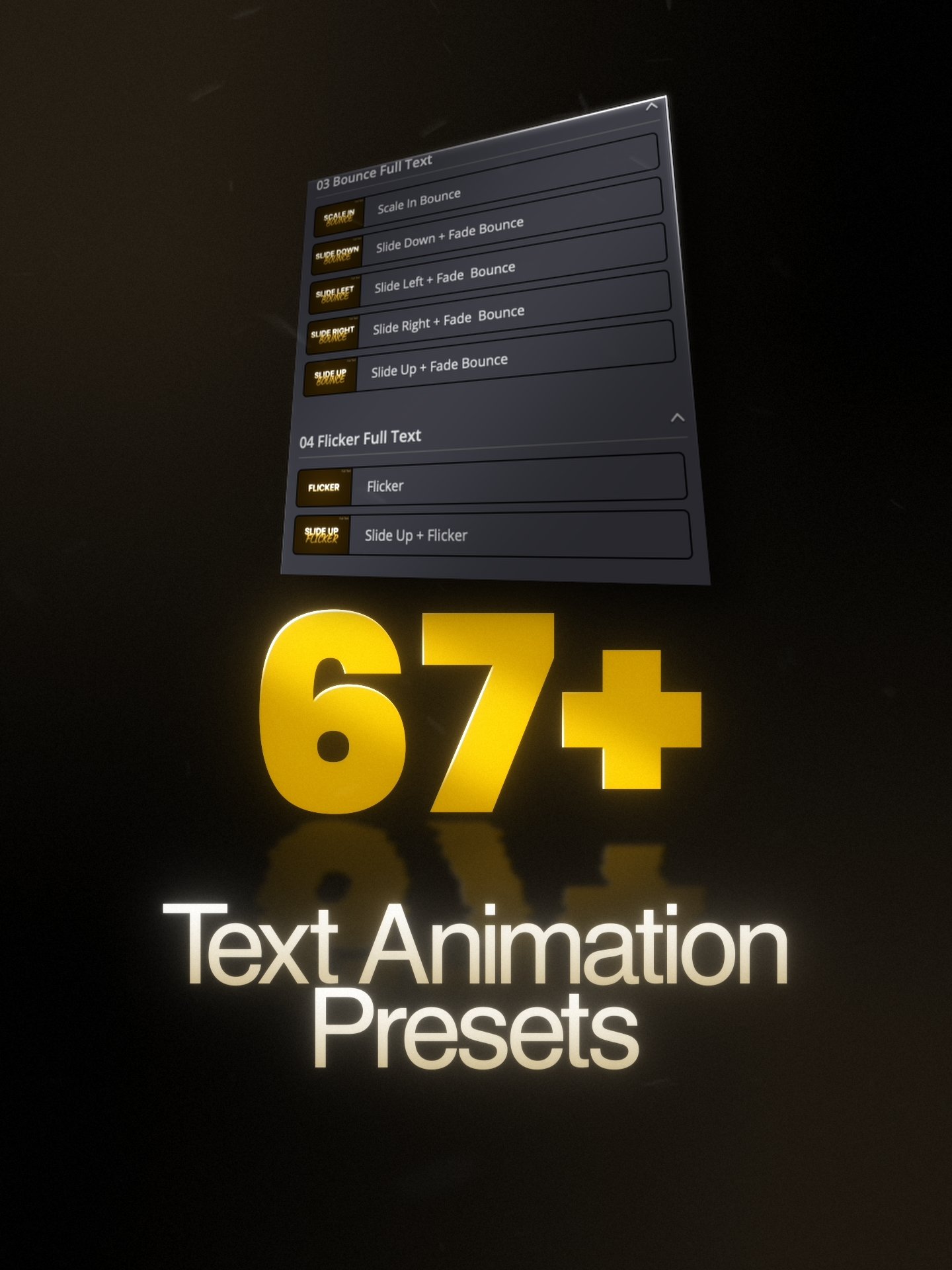
67 Animated Text+ Presets
- Full Text, Letter-by-Letter, and Word-by-Word styles
- Built on Text+, full keyframe control in Fusion
- Available in 30 FPS (works at 24 too) and 60 FPS
- Works on both Edit & Fusion Page
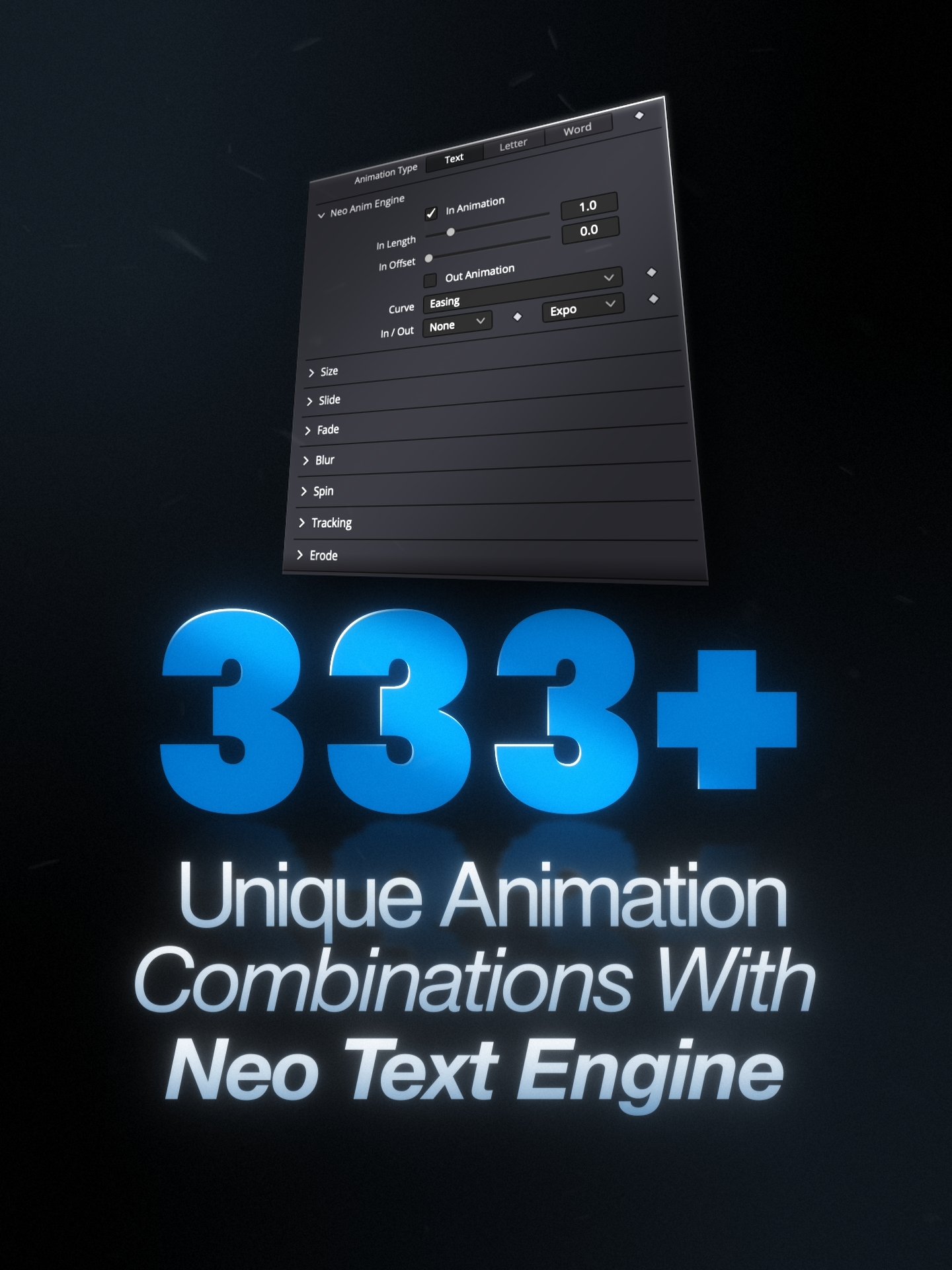
Neo Text Engine - 333+ Combinations
- Text, Letter, and Word animation modes
- Built on NeoAnim Engine, no keyframes, fully adjustable
- Stackable animations: Size, Slide, Fade, Blur, Spin, Tracking, Erode, Flicker
- One-click for effects: Glow, Outline, Drop Shadow, Shine, Blurry Spots, Stop Motion
- Edit Page only
Stop building text animations
from scratch.
This pack gives you two tools. Neo Text Engine is for speed: 333+ keyframe-free combinations right on the Edit page. The 67 animated Text+ presets are for full creative control: built on DaVinci's native Text+ node, fully keyframed, and designed for Fusion.
The Problem
You're spending 15 minutes on text that should take 10 seconds.
- ✕ Building every text animation from zero in Fusion
- ✕ Manually keyframing size, position, opacity, blur every time
- ✕ 10-15 minutes per title that still looks basic
- ✕ Copying node trees between projects hoping nothing breaks
- ✕ No quick way to preview or compare animation styles
- ✓ Neo Text Engine: 333+ combos, zero keyframes, Edit page
- ✓ 67 animated Text+ presets with full keyframe control
- ✓ Pro results in under 10 seconds
- ✓ One-click glow, shadow, outline, and shine
- ✓ Full Text, Letter-by-Letter, and Word-by-Word styles
One preset. Three modes.
Endless looks.
The Neo Text Engine is your go-to when you need animated text fast. Pick an animation mode, stack animations, and toggle finishing touches. Everything happens in the Inspector. No keyframes, no Fusion. Ideal for Reels, YouTube titles, social content, or any project where speed matters.
Three Animation Modes
Animate by full text, letter-by-letter, or word-by-word. Each mode completely transforms the look.
Stackable Animations
Combine Size, Slide, Fade, Blur, Spin, Tracking, Erode, and Flicker in any order, any combo.
One-Click Finishing
Toggle Drop Shadow, Glow, Outline, Shine, Blurry Spots, or Stop Motion with a single click.
Stack these animations
Add finishing touches
See It In Action
All 67 Animations
Every preset previewed. Pick the ones you like, drag them in, and start editing.
Want a full walkthrough? Watch the step-by-step tutorial
Built on Text+.
Made for Fusion.
When you need full creative control, reach for the 67 animated Text+ presets. Every preset is built on DaVinci Resolve's native Text+ node, so you can open it in Fusion and tweak every keyframe, adjust timing and easing, or rework the entire animation to fit your project. Perfect for client work, motion graphics, or anything that needs a custom touch.
Three Styles
Full Text, Letter-by-Letter, Word-by-Word. All pre-animated with full keyframe access.
Edit & Fusion Page
Drop onto the Edit page for speed, or open in Fusion for full node-level control.
30 & 60 FPS
Both frame rates included. 30 FPS presets work cleanly at 24 FPS too.
See every preset in action: Watch all animations · Full tutorial
How It Works
Three steps. That's it.
Drag & Drop
Pick a Text+ preset or the Neo Text Engine and drop it on your timeline.
Customize
Change text, pick animation mode, stack animations. Tweak keyframes if you want to.
Finish & Render
Toggle glow, shadow, or outline. One click. Render. Next edit.
What's Included
Everything in the pack.
Neo Text Engine for speed on the Edit page. 67 Text+ presets for full control in Fusion. Both in one pack.
67 Animated Text+ Presets
.setting + .drfx files. Built on Text+ for full keyframe control. Edit & Fusion page.
Neo Text Engine
333+ combinations with stackable animations and finishing touches. Edit page.
Video Tutorials
Step-by-step install, setup, and walkthrough of every feature.
30 + 60 FPS
Both frame rates included. 30 FPS works at 24 too.
You get all presets as both .drfx and .setting files, ensuring full compatibility with DaVinci Resolve's Fusion & Edit pages.
Compatibility
Built for real-world workflows. Fast, stable, and ready on your setup.
Version 20.1+
Optimized for both Free & Studio editions.
Apple Silicon & Intel
Fully optimized for M-series and Intel Macs.
Windows 10 & 11
Tested and stable across both versions.
Fusion & Edit Page
Neo Text Engine - Edit Page only · 67 Text+ Presets - Edit & Fusion Page
For full system requirements, see Blackmagic Design's official documentation.