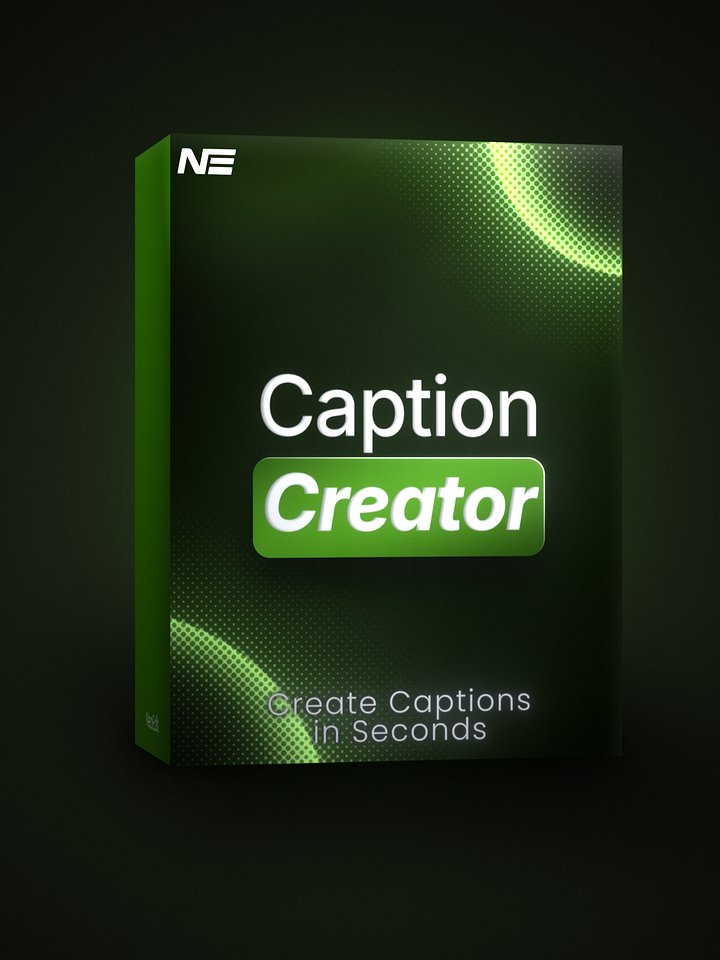
Caption Creator Pack
191 Caption Presets + 21 Stylized Hooks + 3 Caption Shaders. Drag. Drop. Done.
Built for editors who want fast, scroll-stopping captions for Reels, TikToks, YouTube Shorts, and client work.
What's Included
191 Caption Presets
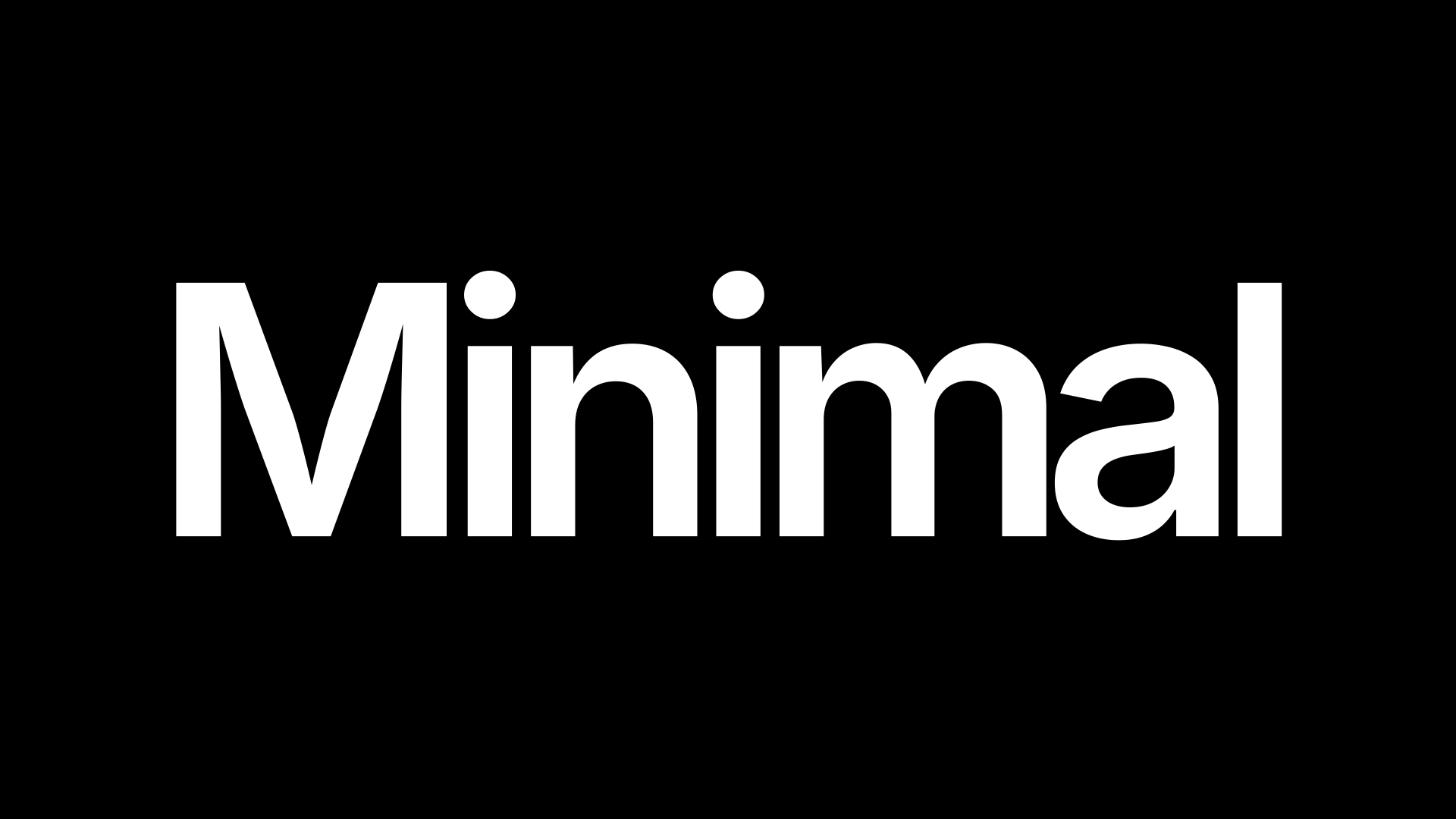
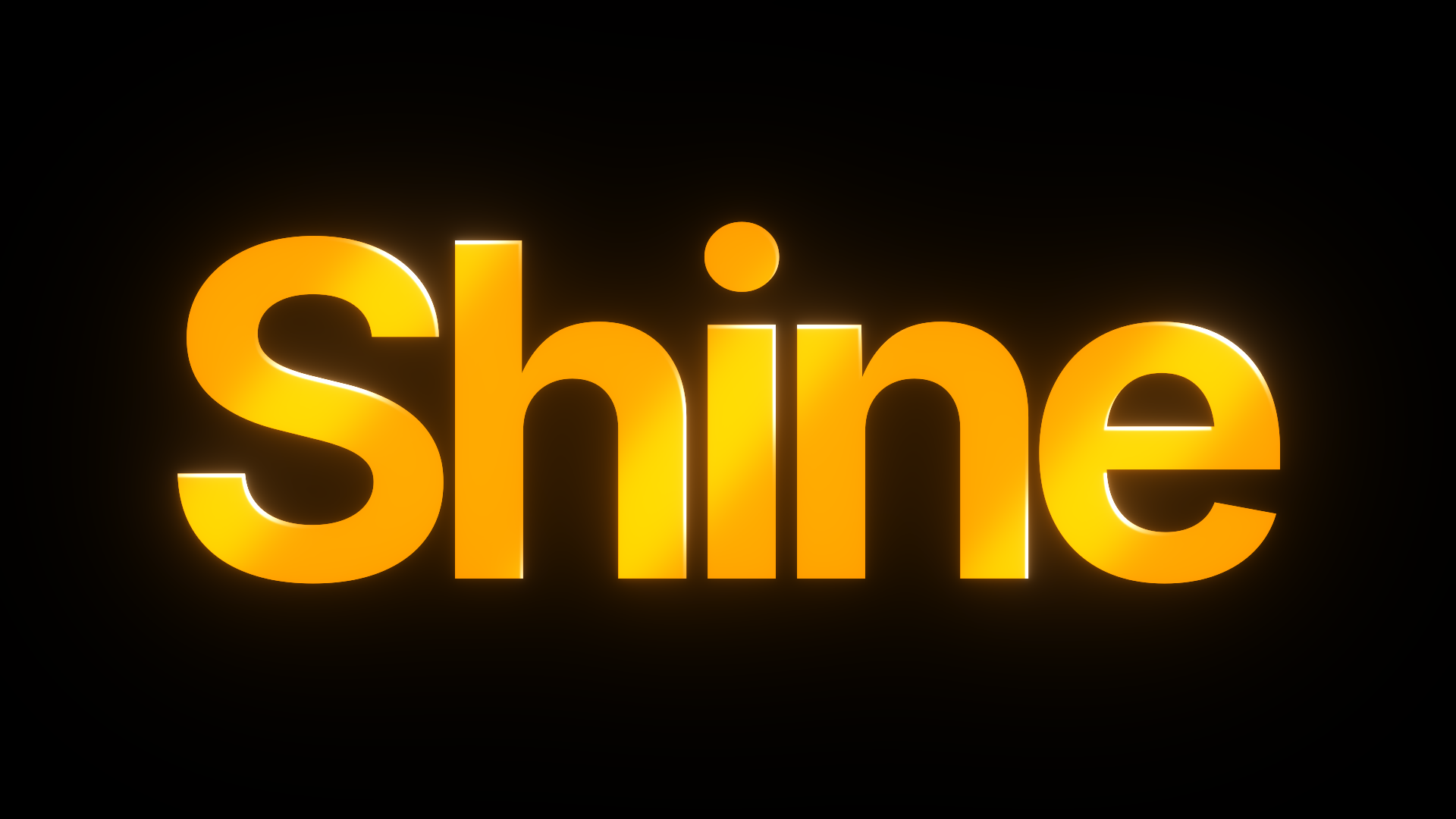
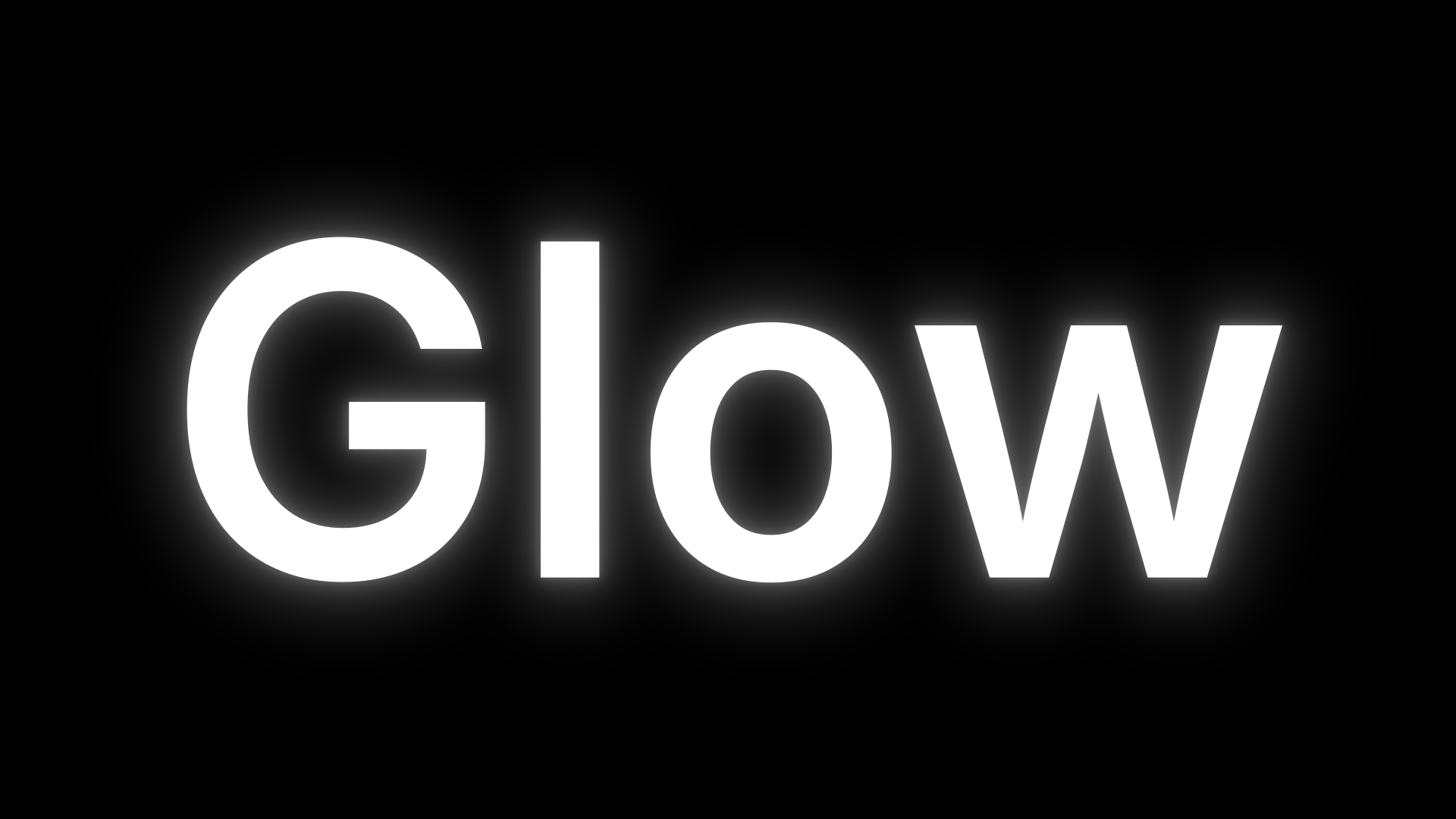
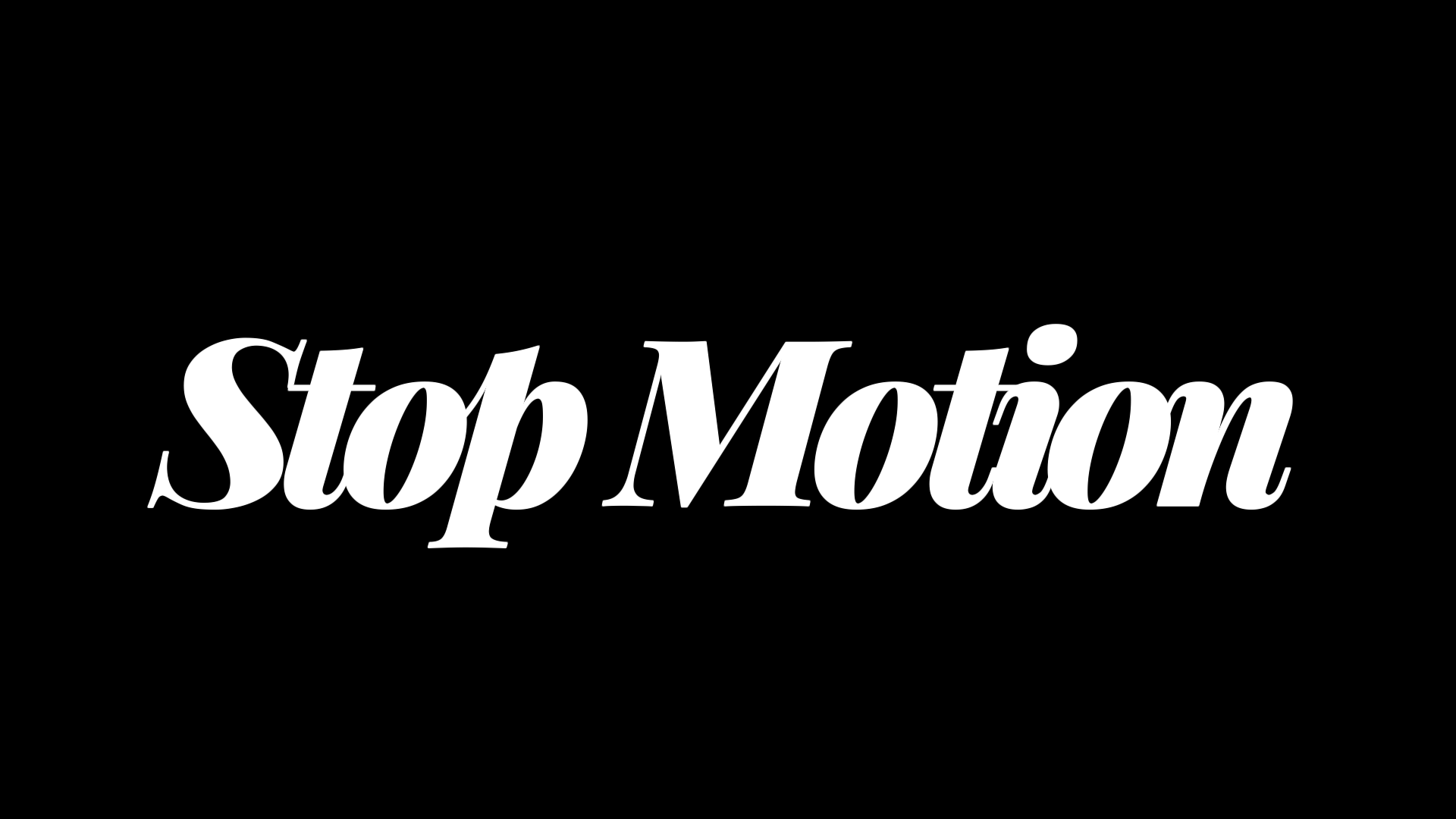
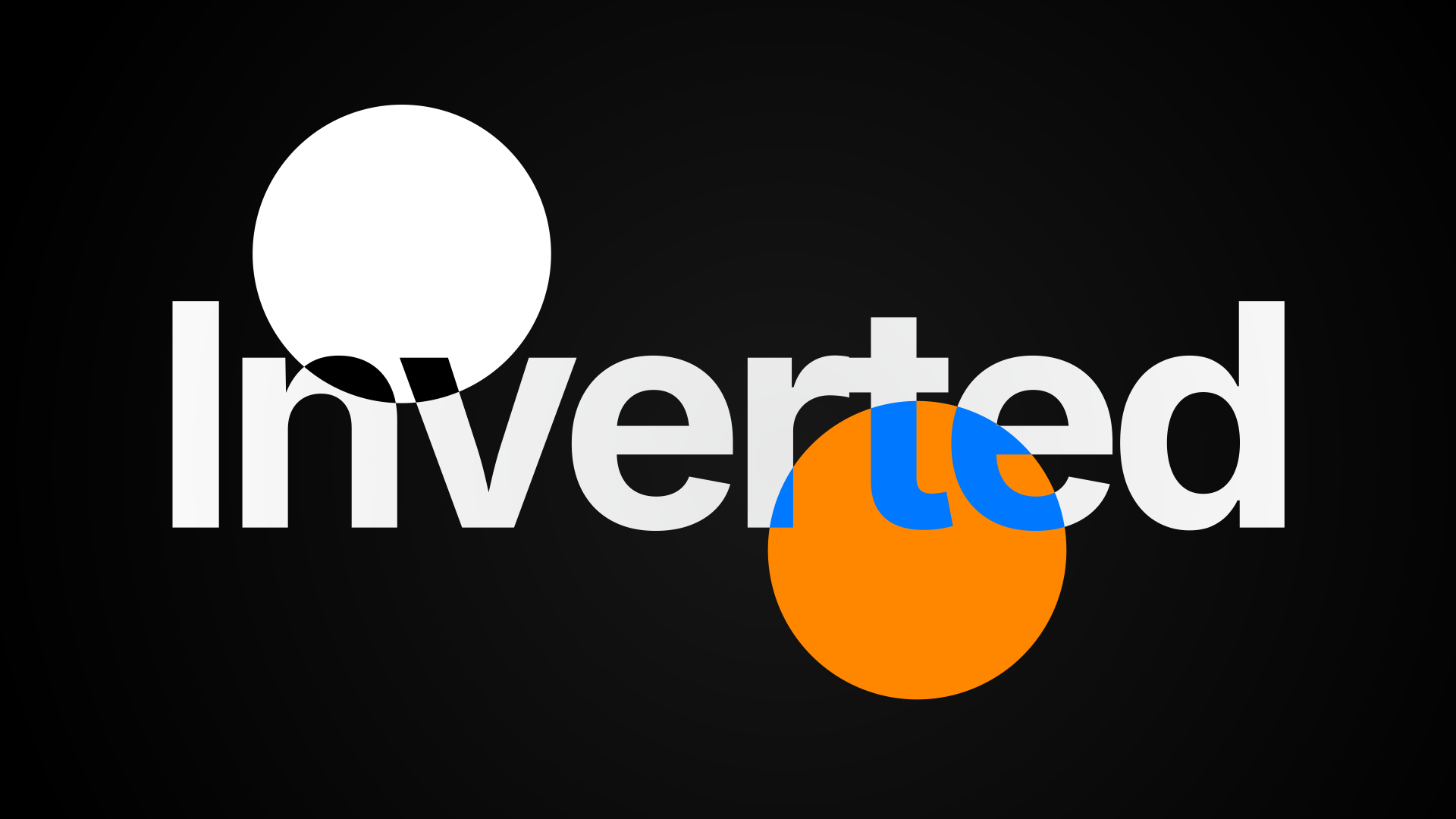
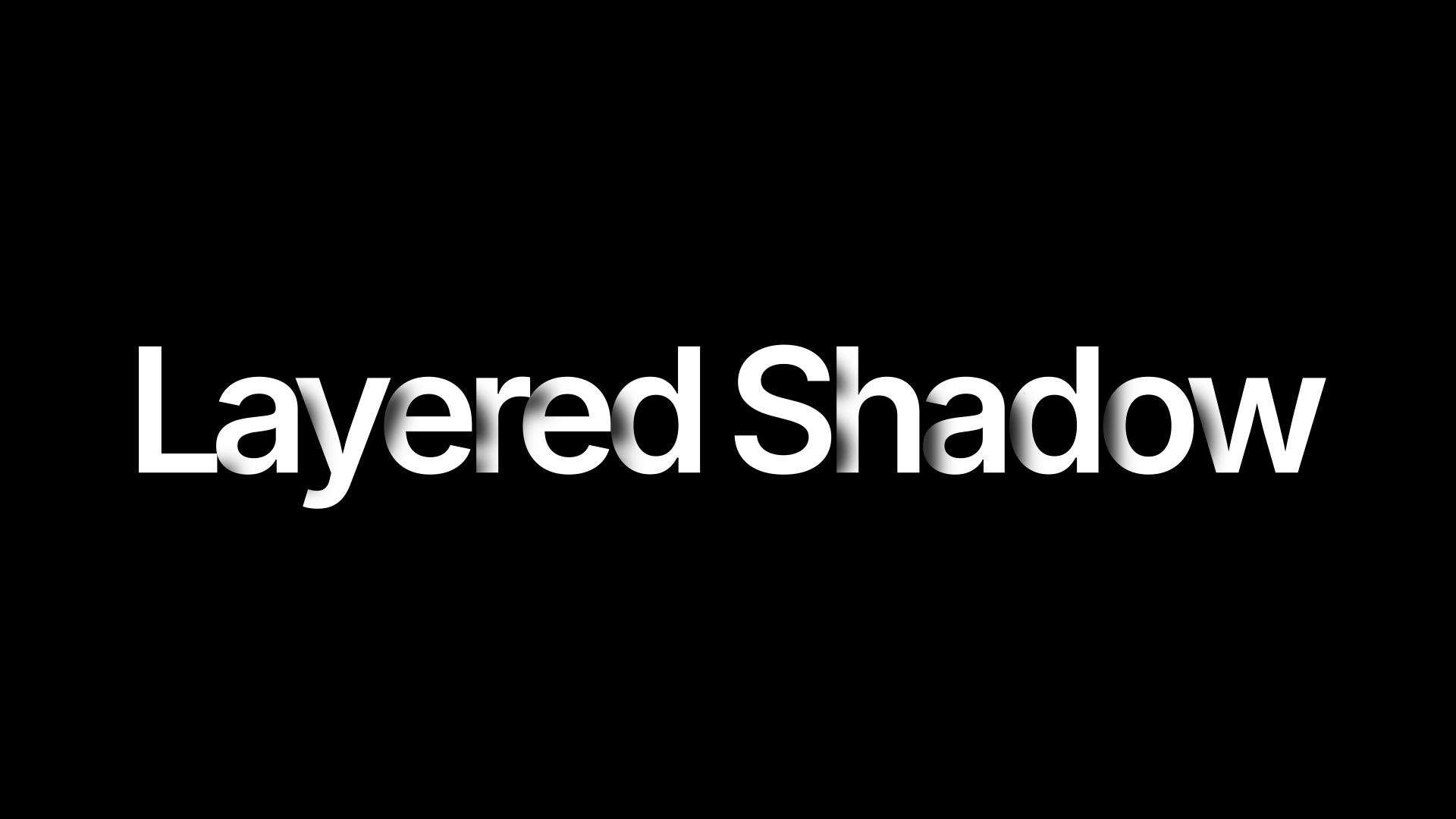
- 9 styles: Minimal, Shine, Glow, Stop Motion, Inverted, Layered Shadow, Outline, Gradient, Border
- Full Text, Letter-by-Letter, and Word-by-Word animations
- Drag and drop, works right away on the Edit page
- 12 fonts included
21 Stylized Hooks
- 18 intro hooks across 3 styles (Shine, Inverted, Stop Motion)
- 3 CTA hooks for end-of-video call-to-actions
- Just drag, copy, paste, and swap the text
3 Caption Shaders
- Shine Shader, Glow Shader, Stop Motion Shader
- Drag and drop onto any text, automatically adds drop shadow
- No manual effect stacking needed
Stop building captions
from scratch.
191 ready-made caption presets across 9 styles. Full Text, Letter-by-Letter, and Word-by-Word animations, all drag-and-drop on the Edit page. Add instant polish with 3 free caption shaders, hook your viewers with 21 stylized intros, and use the 12 included fonts to match any aesthetic.
One pack. Nine styles.
Endless captions.
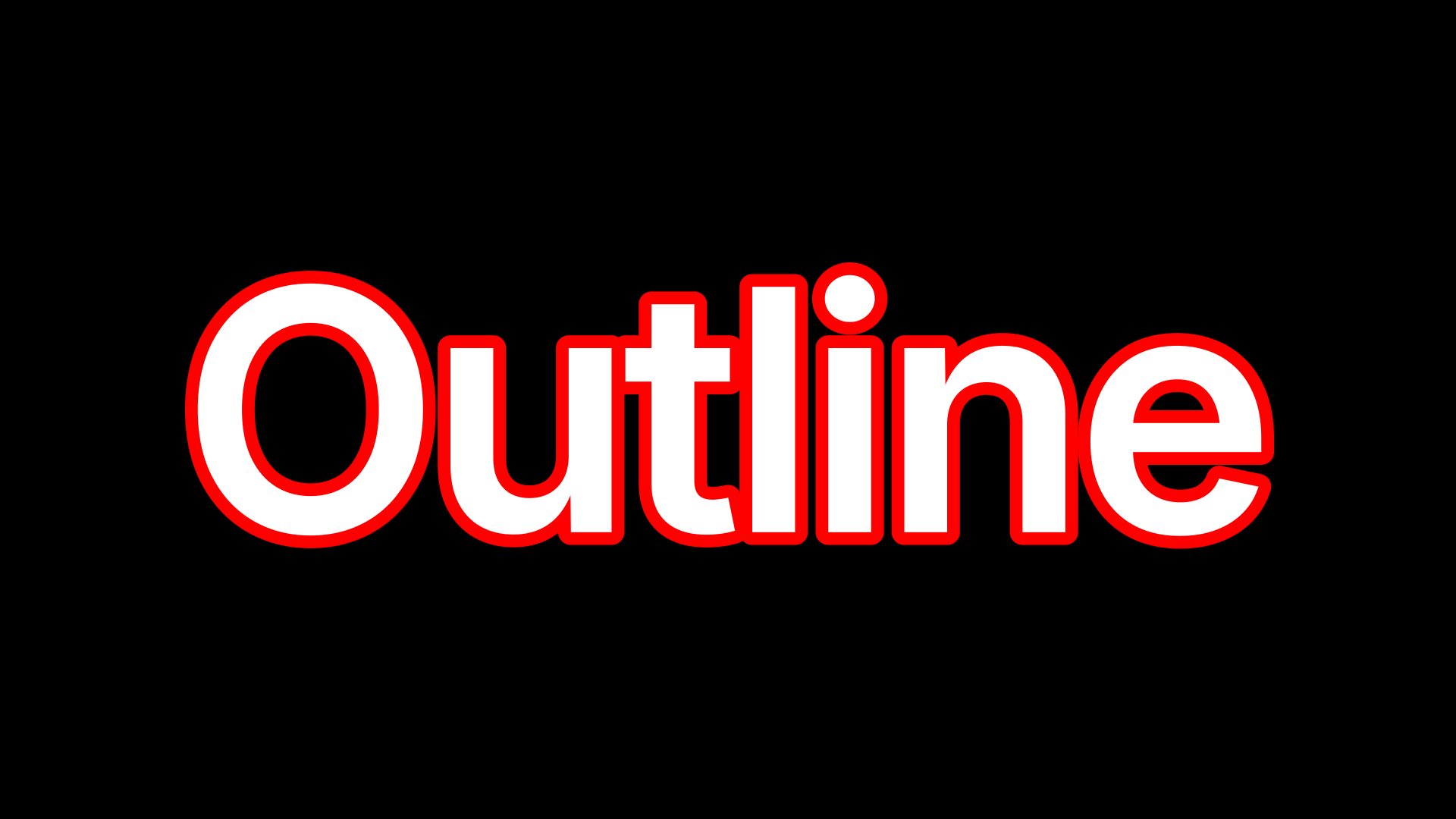
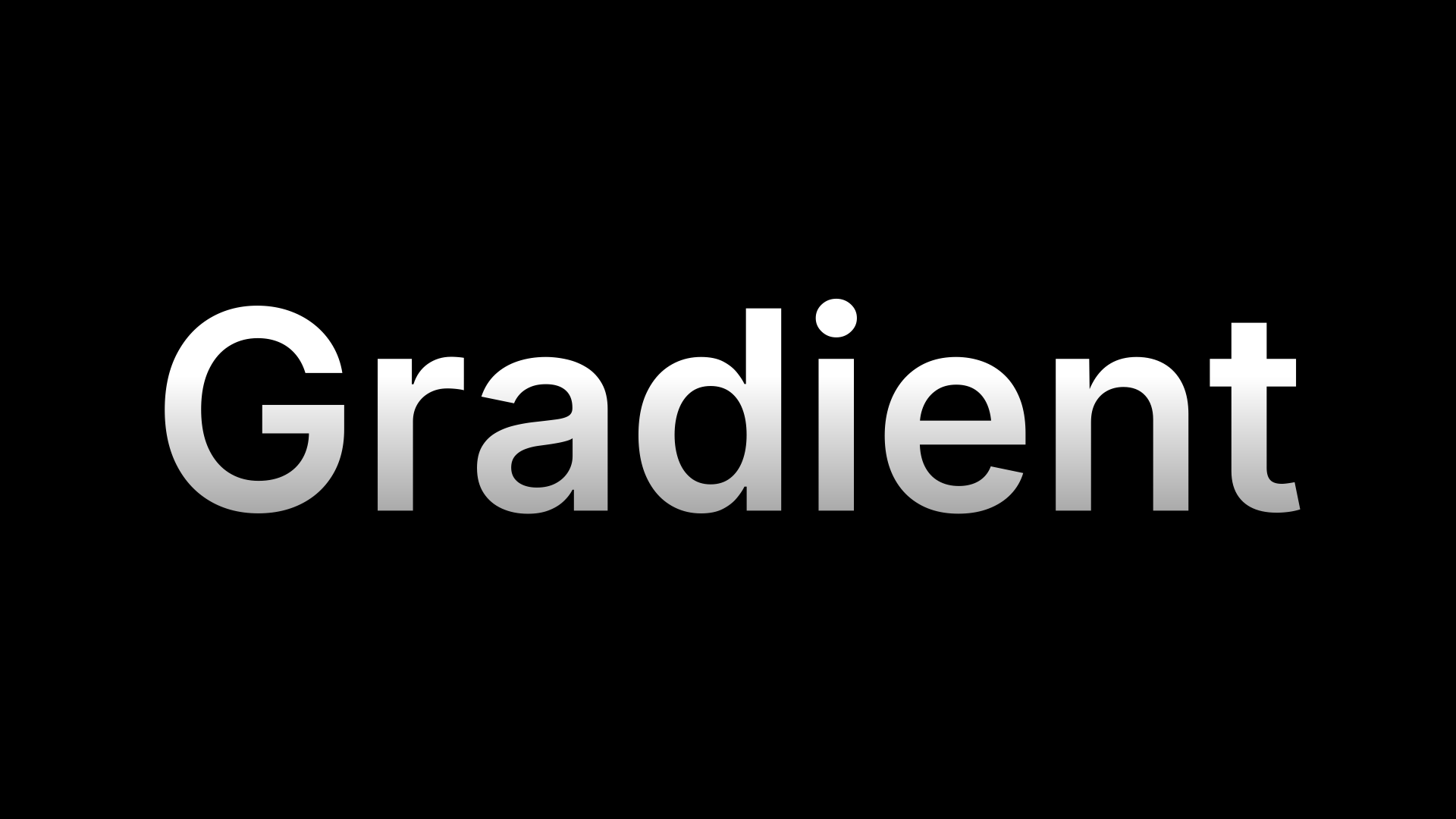
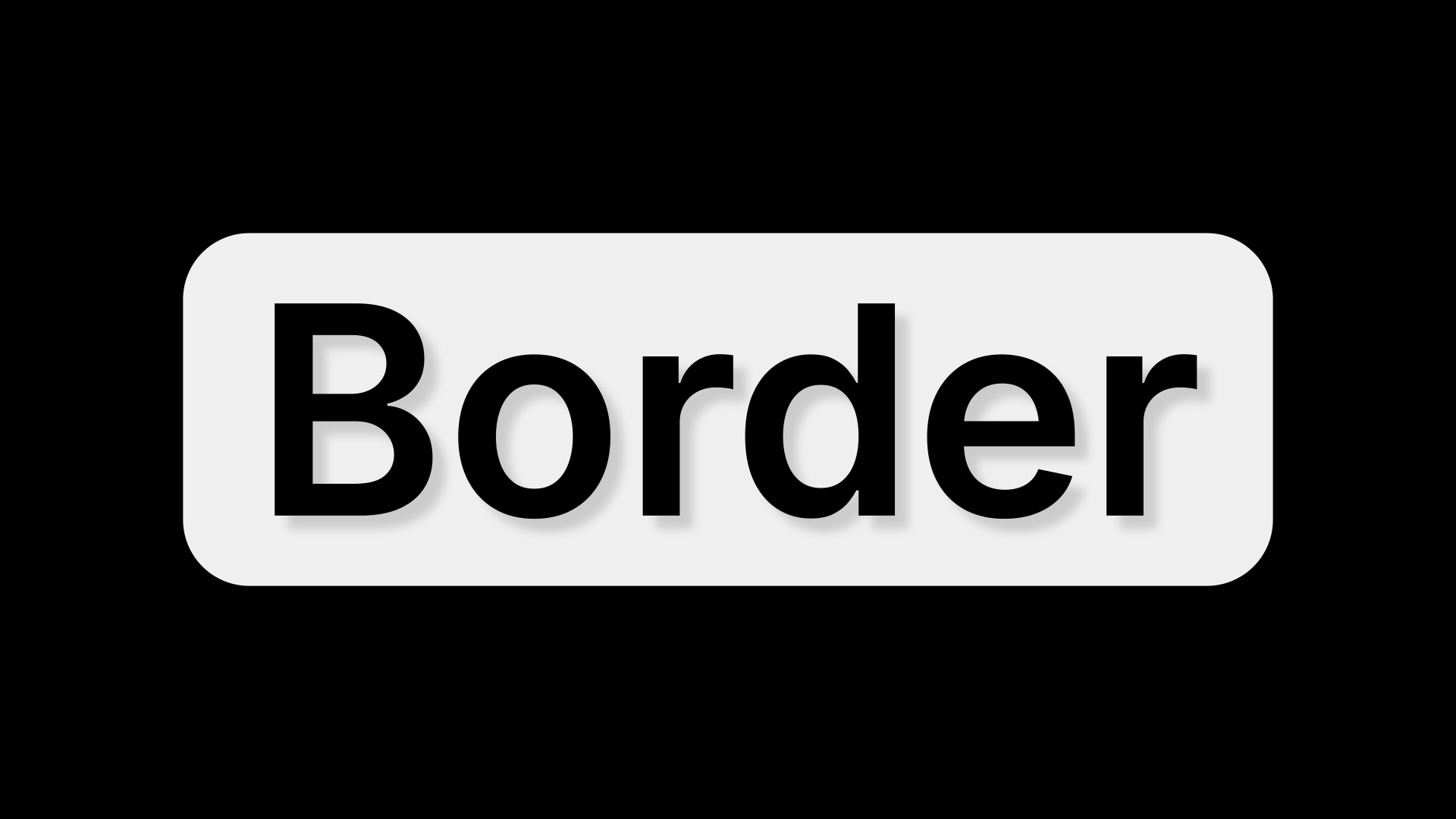
Each style has its own look and feel, from clean Minimal to bold Gradient and cinematic Stop Motion. Every style includes Full Text, Letter-by-Letter, and Word-by-Word animations (Border is Full Text only).
Animation modes
Full Text animations
Stop Motion bonus animations
Animation Modes
Three modes. Three different feels.
Same caption style, completely different energy. Pick the mode that fits your edit.
Full Text
The entire caption animates in as one block. Clean, fast, punchy. 104 presets across all 9 styles.
Letter-by-Letter
Each letter animates individually for a typewriter-like feel. 48 presets, 6 animation types per style.
Word-by-Word
Each word pops in separately, great for emphasis and rhythm. 39 presets across 8 styles.
Hook them from
the first frame.
21 ready-made animated caption sequences designed to grab attention at the start of your Reels, TikToks, and Shorts. Just drag, copy, paste, and swap the text. No building from scratch, no keyframing. 18 intro hooks to open strong, plus 3 CTA hooks for the end of your videos.
18 Intro Hooks
Three styles, six hooks each. Shine hooks with a light sweep effect, cinematic Inverted hooks with color-inverted text, and Stop Motion hooks with that choppy frame-by-frame feel. All designed to stop the scroll in the first second.
3 CTA Hooks
Stylized call-to-action captions like "Comment below," "Follow for more," and "Like & Save." Drag them onto the end of your Reel, swap the text if you want, done.
Already own the Animated Text Pack?
For captions specifically,
this pack is built for it.
The Animated Text Pack is great for full-screen titles and motion graphics. But if you need lightweight, fast captions for short-form content, the Caption Creator Pack was designed from the ground up for exactly that.
- ✕ Neo Text Engine is heavier, built for full-screen titles, not lightweight captions
- ✕ The 67 Text+ presets aren't styled or customized for caption use
- ✕ No pre-made intro hooks or CTA sequences included
- ✕ More setup needed before it works as a simple caption
- ✕ No caption-specific shaders with built-in drop shadows
- ✓ Lightweight presets built specifically for captions, not repurposed titles
- ✓ Drag and drop onto your timeline, works right away, zero setup
- ✓ 21 stylized hooks included, just drag, copy, paste, and swap the text
- ✓ 9 purpose-built caption styles with 191 presets, all ready to go
- ✓ 3 caption shaders that auto-apply shine, glow, or stop motion with a drop shadow
They work great together. Use the Animated Text Pack for big titles and motion graphics, and the Caption Creator Pack for fast, clean captions on your short-form content.
Free Bonus
3 Caption Shaders.
Drag-and-drop effects you apply to any text. Each shader automatically includes a drop shadow, so you get a polished look with zero extra work.
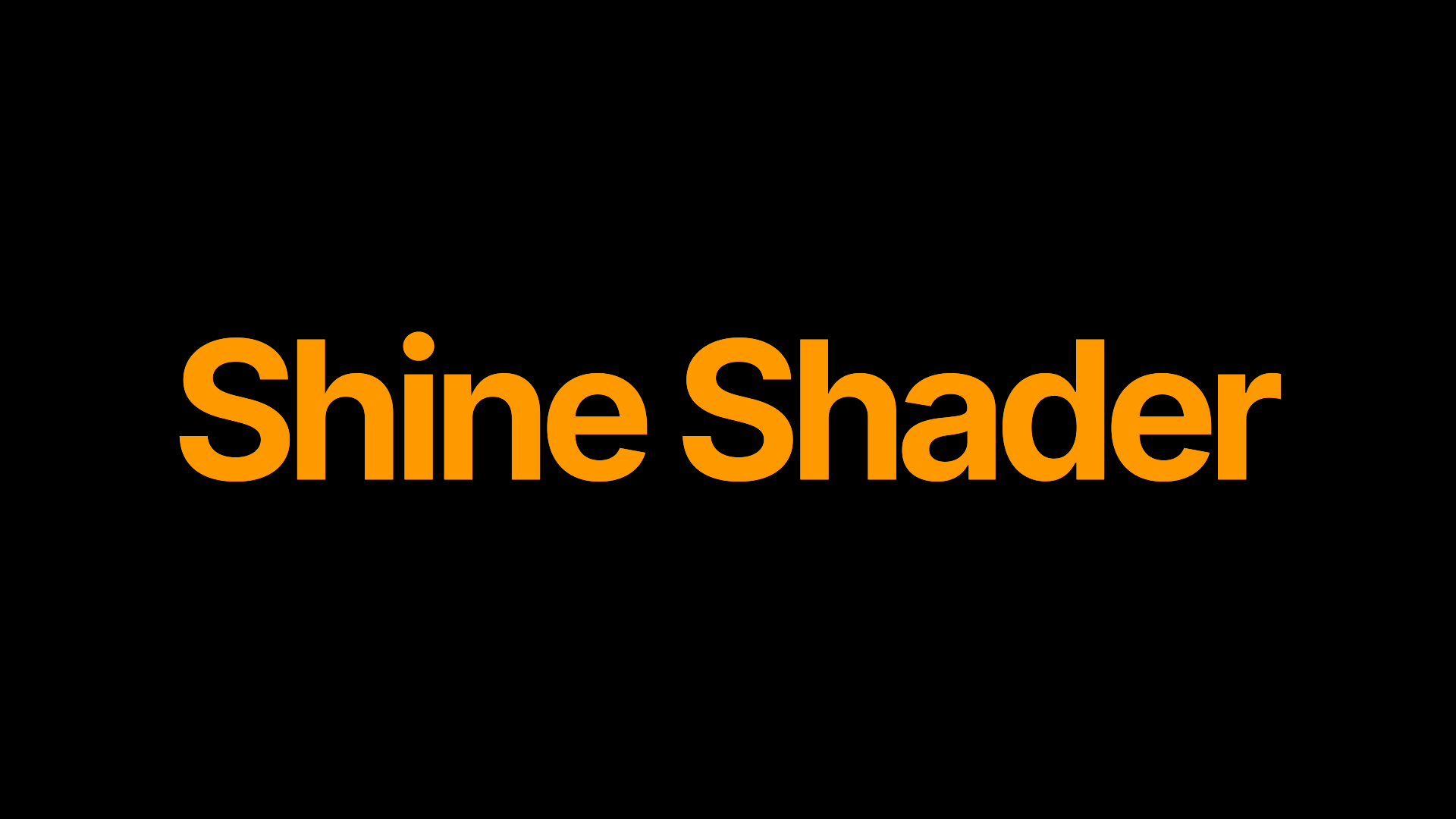
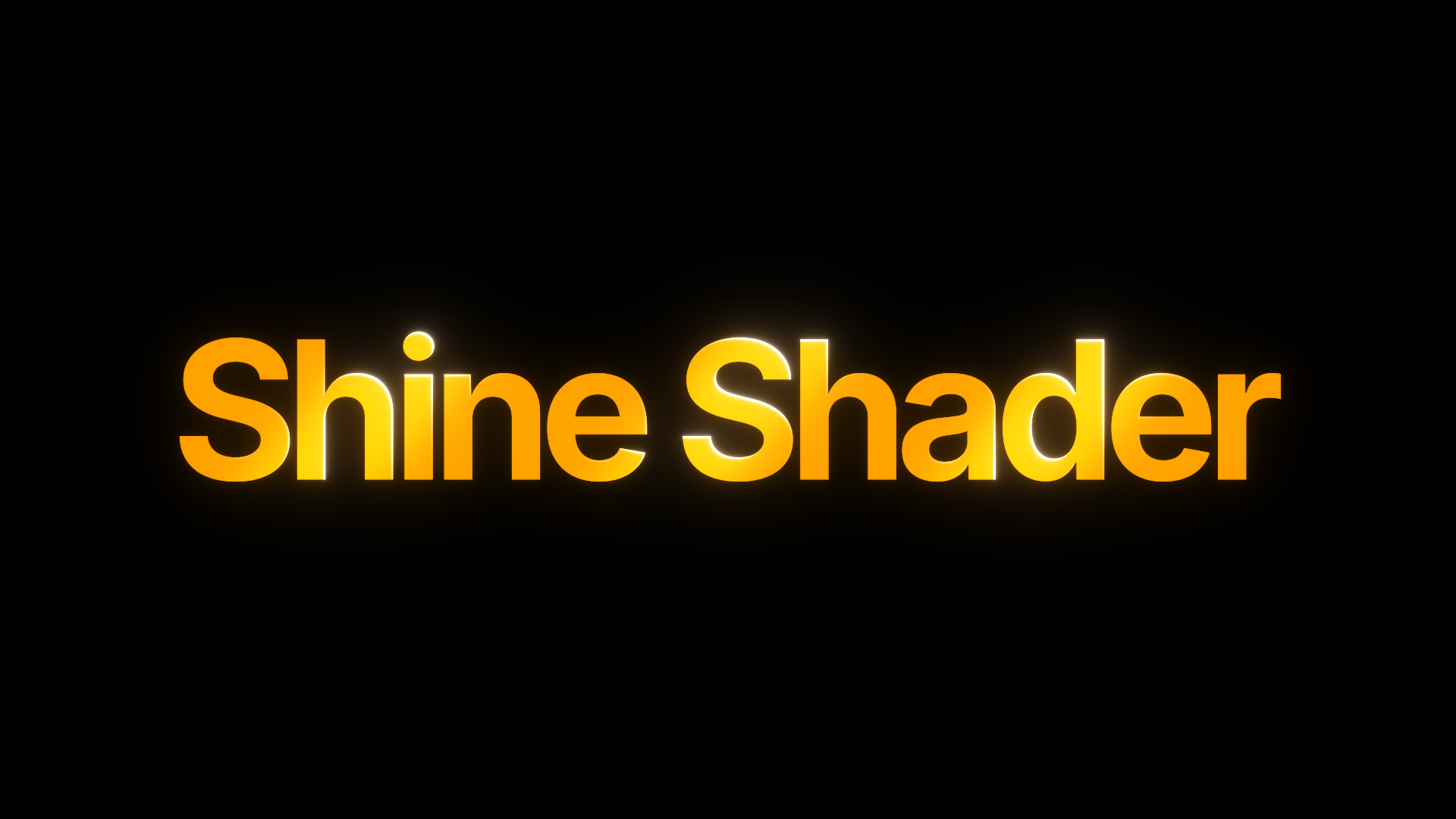
A smooth light sweep effect across your text, paired with an automatic drop shadow. Drag it on, done.
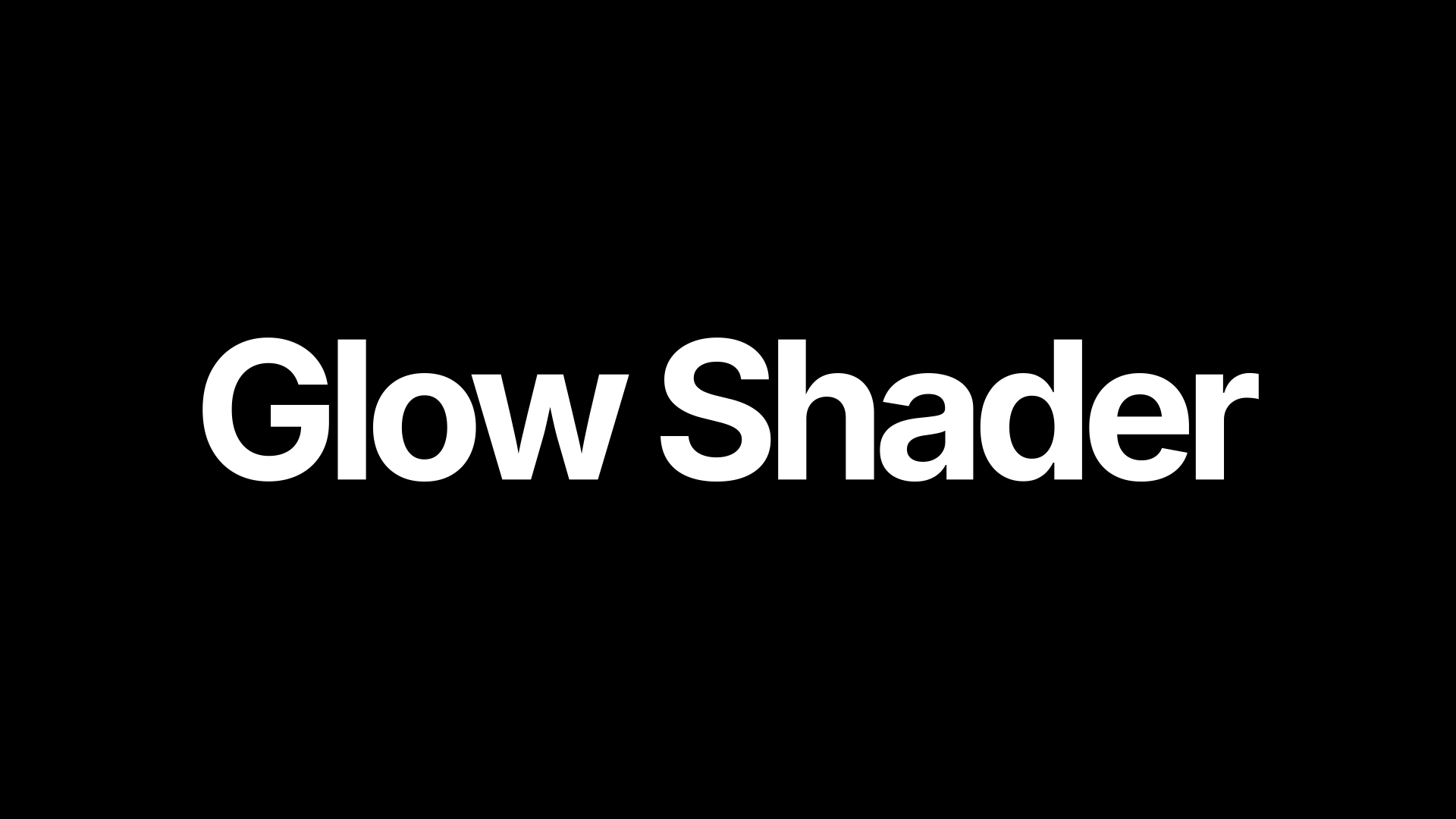
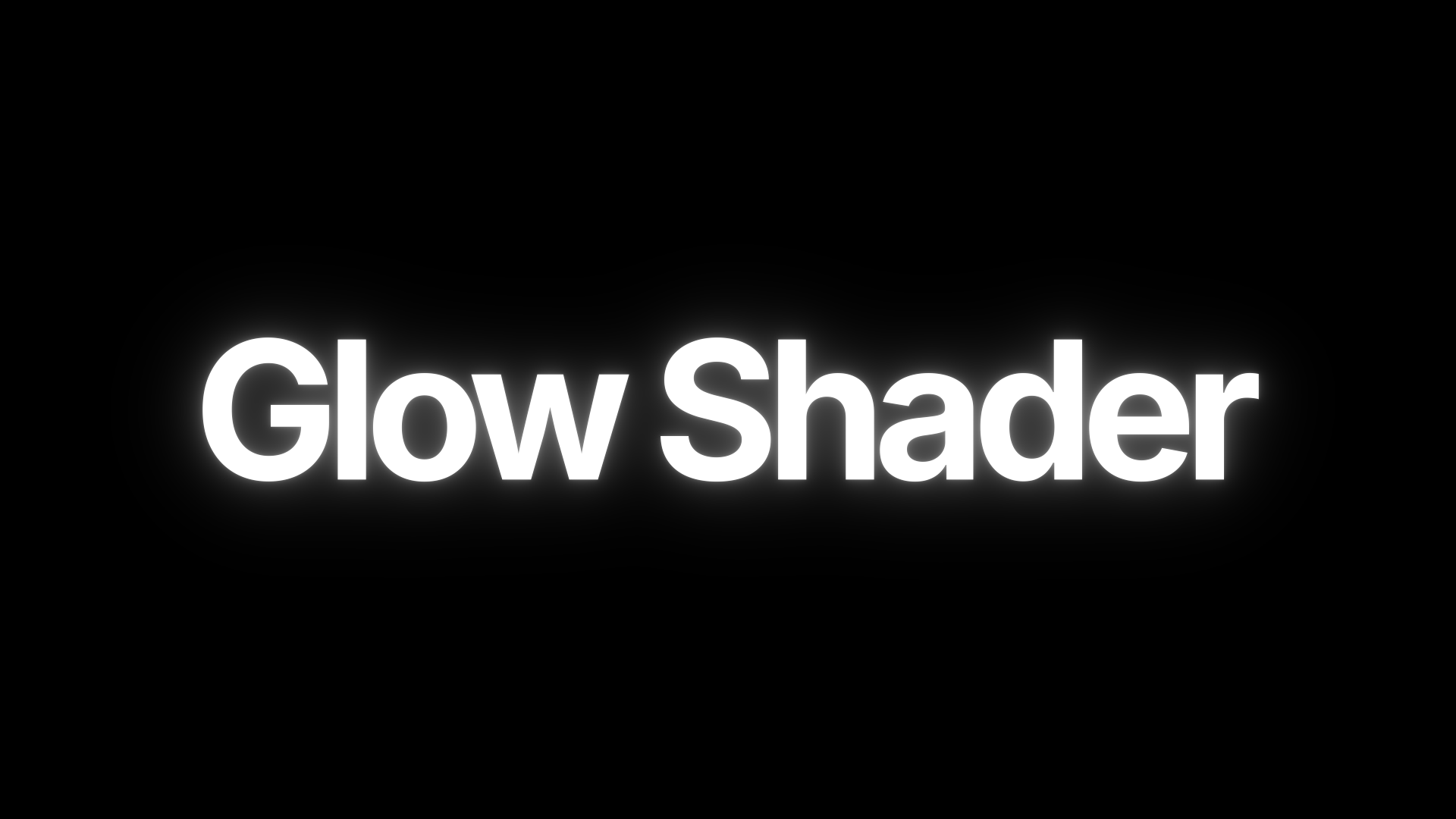
A clean glow effect that wraps your text in soft light, with a drop shadow built in. One drag, instant polish.
Gives your text that handcrafted, frame-by-frame feel. Choose your exact frame rate for the perfect stop motion look.
Shaders vs. regular effects: Shaders automatically bundle everything you need, including a drop shadow, so you don't have to manually stack effects. Just drag one onto your text and you're done.
Included
12 fonts. Ready to install.
Every font used in the presets is included in the pack. Install them once and every caption will render perfectly. From bold sans-serifs to elegant scripts.
How It Works
Three steps. That's it.
Drag & Drop
Pick a caption preset from the 9 styles and drop it on your timeline.
Customize
Change your text, pick a font, adjust size and position. Add a shader for extra polish.
Render & Post
Your captions are done. Render your edit, post your Reel. Next video.
What's Included
Everything in the pack.
191 caption presets, 21 stylized hooks, 3 shaders, 12 fonts, and video tutorials. All in one pack.
191 Caption Presets
9 styles, 3 animation modes. Full Text, Letter-by-Letter, Word-by-Word. Edit page.
21 Stylized Hooks
18 intro hooks + 3 CTA hooks. Animated caption sequences for short-form content.
3 Caption Shaders
Shine, Glow, and Stop Motion. Drag-and-drop effects with built-in drop shadow.
12 Fonts
Inter, Poppins, Oswald, Playfair Display, Great Vibes, and 7 more. All included.
Video Tutorials
Step-by-step install, setup, and walkthrough of every feature.
Edit Page Ready
All presets work directly on DaVinci Resolve's Edit page. Drag, drop, done.
You get all presets as .setting files, ensuring full compatibility with DaVinci Resolve's Edit page.
Compatibility
Built for real-world workflows. Fast, stable, and ready on your setup.
Version 20.1+
Free & Studio editions.
Apple Silicon & Intel
Fully optimized for M-series and Intel Macs.
Windows 10 & 11
Tested and stable across both versions.
Edit Page
All 191 caption presets, 21 hooks, and 3 shaders work on the Edit page.