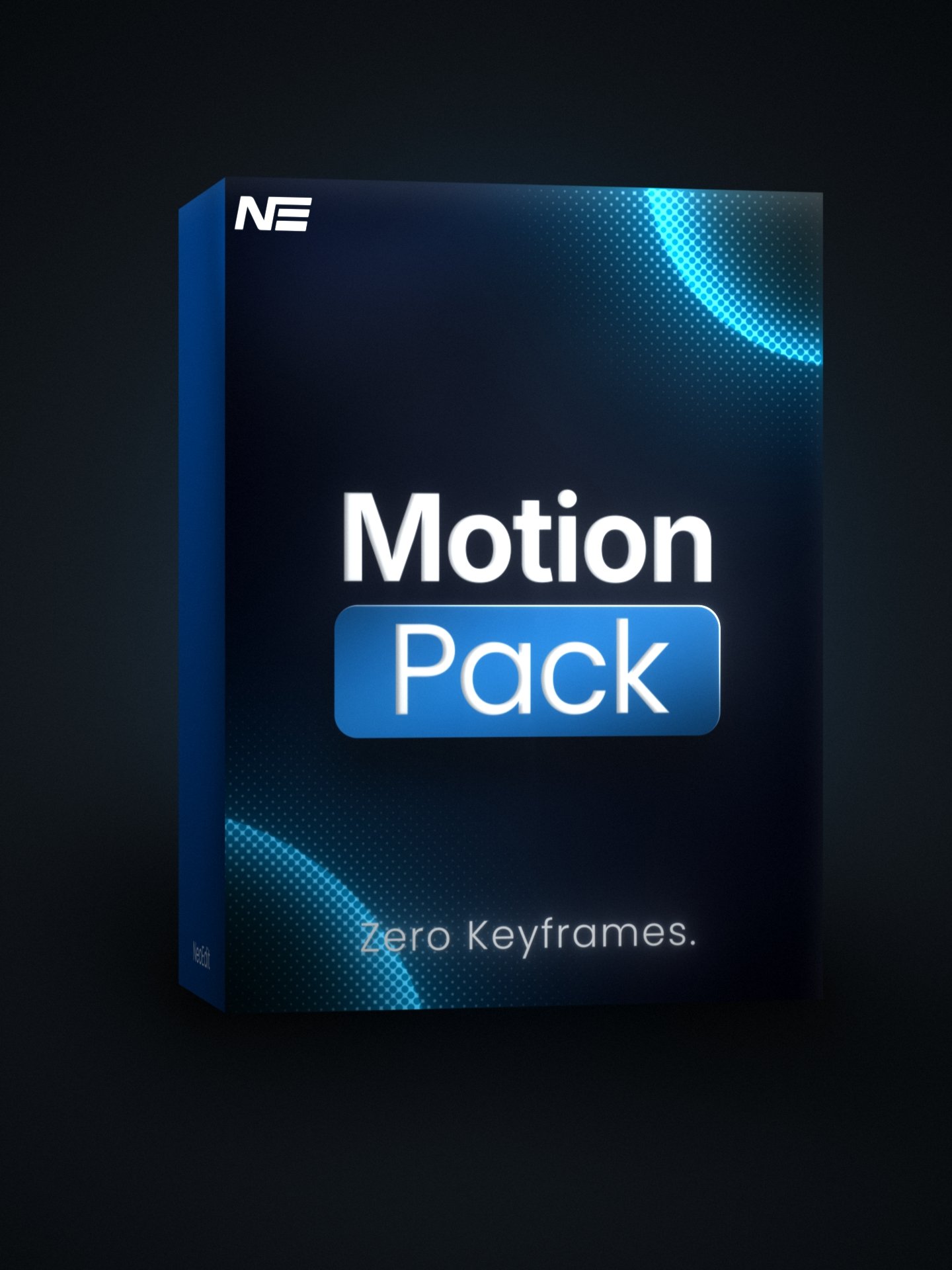
Motion Essentials Pack
9 essential motion tools built to speed up your workflow in DaVinci Resolve.
Motion Essentials Pack gives you everything you need to add clean motion to your edits without wasting time on keyframes or rebuilding effects. You get zoom tools, animation systems, facecam control, shake, transitions, and readability tools - all designed to work fast and stay out of your way.
Every plugin is built around one goal: saving you time while keeping your edits clean, consistent, and professional. These are the same tools used across Neo Edit projects and trusted by over 6,400+ editors.
Built for DaVinci Resolve 20+, Motion Essentials Pack is made for editors who want faster workflows, better motion, and a more polished look without friction.
Upgrade your workflow and move faster instantly.
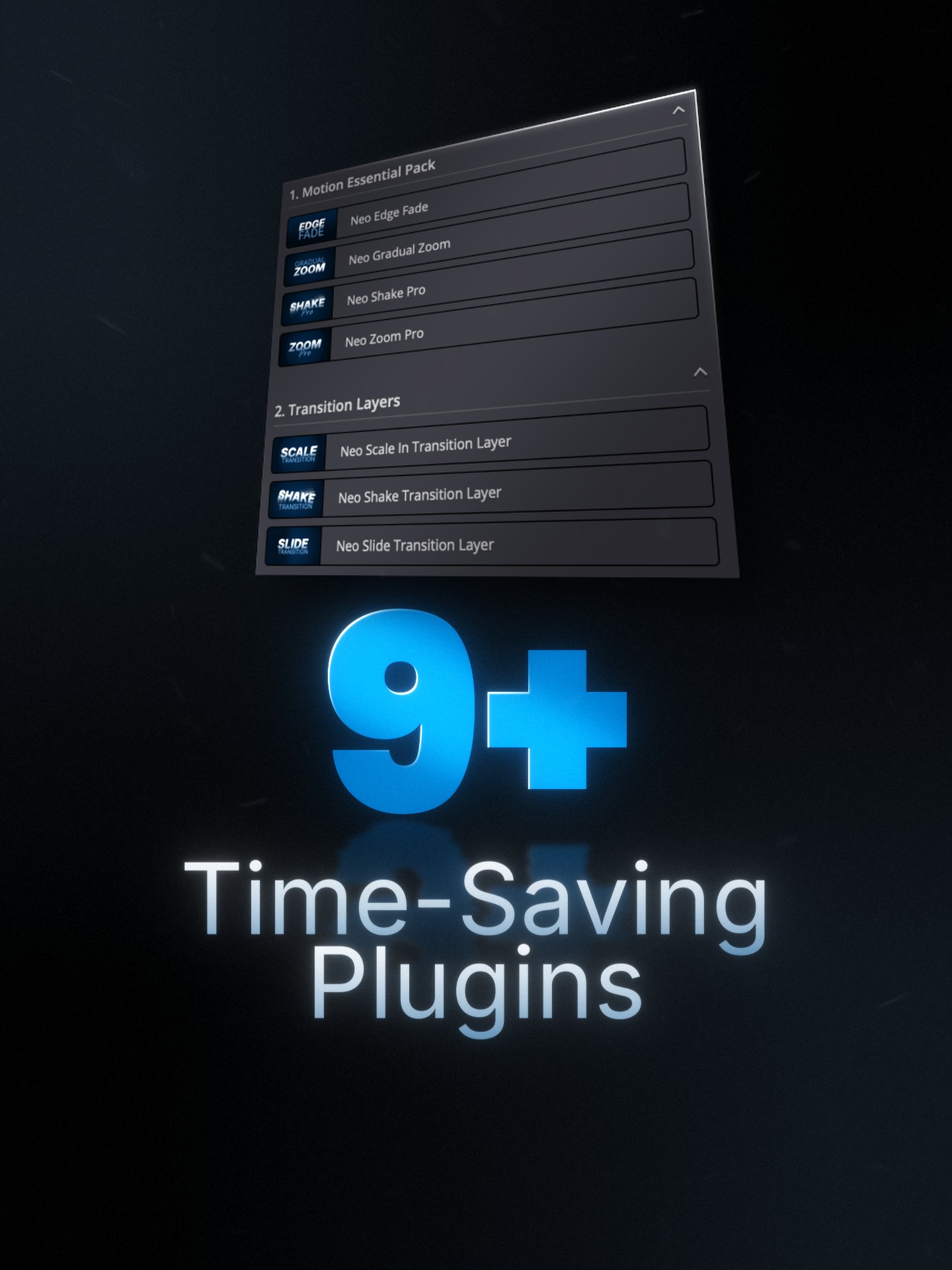
9 Time Saving Davinci Resolve Plugins
Short showcase videos highlighting each tool in the Motion Essentials Pack, so you can see exactly what you’re getting before downloading.
1. Neo Zoom Pro
Clean, professional zooms without keyframes.
Supports multi-point zooms for precise focus control.
2. Neo Anim
One animation system that replaces keyframes.
Animate faster on the Edit page and in Fusion.
3. Neo Face Camera
Style and animate your facecam once, without keyframes.
Made for fast, repeatable setups.
4. Neo Shake Pro
Clean, controlled camera shake.
Fast presets — full control when you need it.
5. Neo Gradual Zoom
Smooth, continuous zooms made simple.
Dynamic Zoom — but faster and controllable.
6. Neo Edge Fade
Instant readability for overlays.
Automatic soft edge fading — no gradients.
7. Neo Shake Transition
Controlled shake transitions for impact.
Never random.
8. Neo Slide Transition
Clean, modern slide transitions.
Fast to set up.
9. Neo Scale In Transition
Clean scale-in transitions that just work.
No clip length limitations.
Compatibility
Built for real-world workflows fast, stable, and ready on your setup.
Version 20+
Optimized for both Free & Studio editions.
Apple Silicon & Intel
Fully optimized for M-series and Intel-based Macs.
Windows 10 & 11
Tested and stable across both versions.
Fusion & Edit Page
Opimized for both Davinci's Fusion & Edit page
For full system requirements, see Blackmagic Design’s official documentation.